Apart from the obvious boring stuff going on in the background parsing and loading entities go, two functions in particular are of note. The first is a native function, precache_model(string) which loads and caches a model of some description (sprites, Alias models or BSP models). The QuakeC VM I've written raises an event (passing an event containing the name of the model to load), which the XNA project can interpret and use to load a model into a format it's happy with.
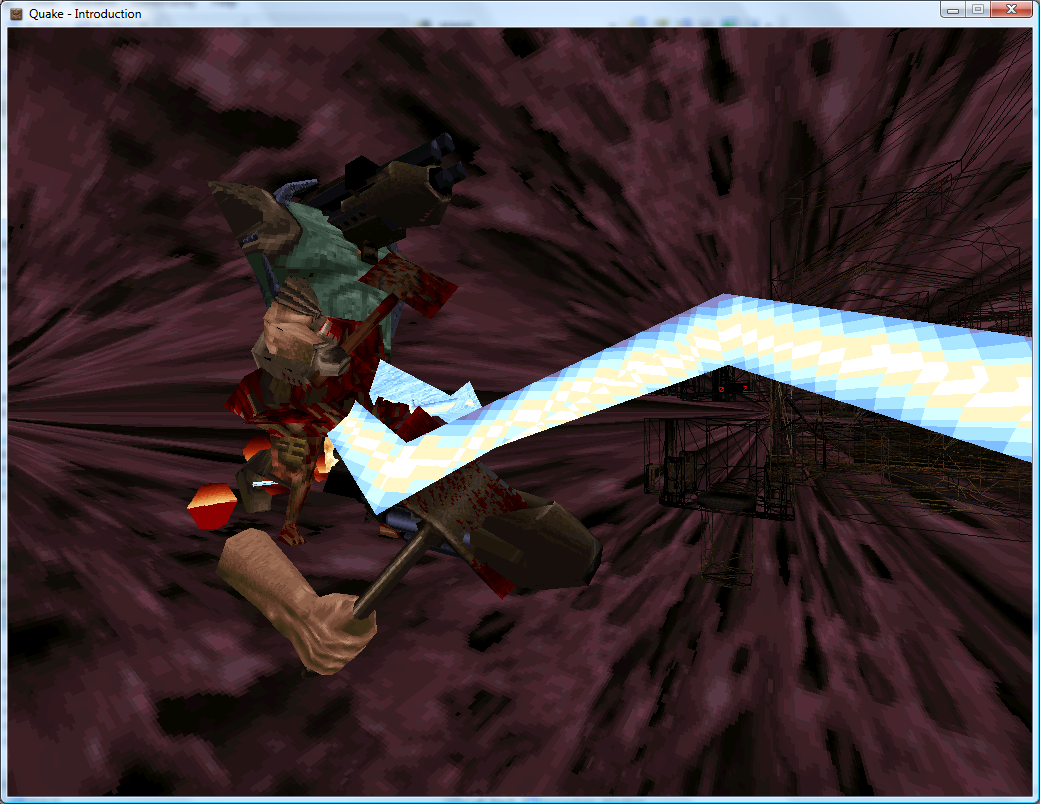
Inspiration for the Strogg in Quake 2?
With a suitable event handler and quick-and-dirty model renderer in place, the above models are precached (though they probably shouldn't be drawn at {0, 0, 0}).
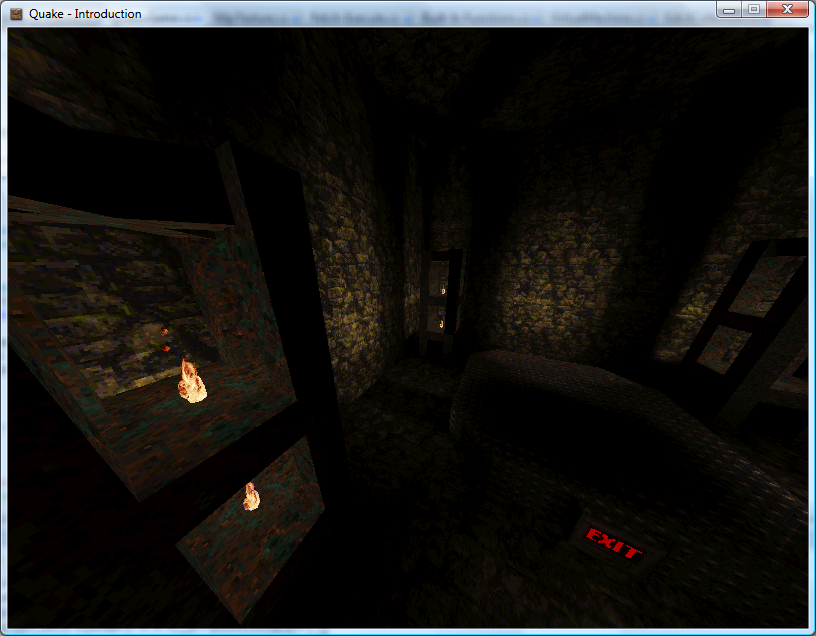
The second function of interest is another native one, makestatic(entity). Quake supports three basic types of entity - dynamic entities (referenced by an index, move around and can be interacted with - ammo boxes, monsters and so on), temporary entities (removes itself from the game world automatically - point sprites) and static entities. Static entities are the easiest to handle - once spawned they stay fixed in one position, and can't be accessed (and hence can't be removed). Level decorations such as flaming torches are static. Here's the QuakeC code used to spawn a static small yellow flame:
void() light_flame_small_yellow ={ precache_model ("progs/flame2.mdl"); setmodel (self, "progs/flame2.mdl"); FireAmbient (); makestatic (self);};// Handle precache models:void Progs_PrecacheModelRequested(object sender, Quake.Files.QuakeC.PrecacheFileRequestedEventArgs e) { switch (Path.GetExtension(e.Filename)) { case ".mdl": if (CachedModels.ContainsKey(e.Filename)) return; // Already cached. CachedModels.Add(e.Filename, new Renderer.ModelRenderer(this.Resources.LoadObject<Quake.Files.Model>(e.Filename))); break; case ".bsp": if (CachedLevels.ContainsKey(e.Filename)) return; // Already cached. CachedLevels.Add(e.Filename, new Renderer.BspRenderer(this.Resources.LoadObject<Quake.Files.Level>(e.Filename))); break; }}// Spawn static entities:void Progs_SpawnStaticEntity(object sender, Quake.Files.QuakeC.SpawnStaticEntityEventArgs e) { // Grab the model name from the entity. string Model = e.Entity.Properties["model"].String; // Get the requisite renderer: Renderer.ModelRenderer Renderer; if (!CachedModels.TryGetValue(Model, out Renderer)) throw new InvalidOperationException("Model " + Model + " not cached."); // Add the entity's position to the renderer: Renderer.EntityPositions.Add(new Renderer.EntityPosition(e.Entity.Properties["origin"].Vector, e.Entity.Properties["angles"].Vector));}The result is a light sprinkling of static entities throughout the level.
As a temporary hack I just iterate over the entities, checking if each one is still active, and if so lumping them with the static entities.
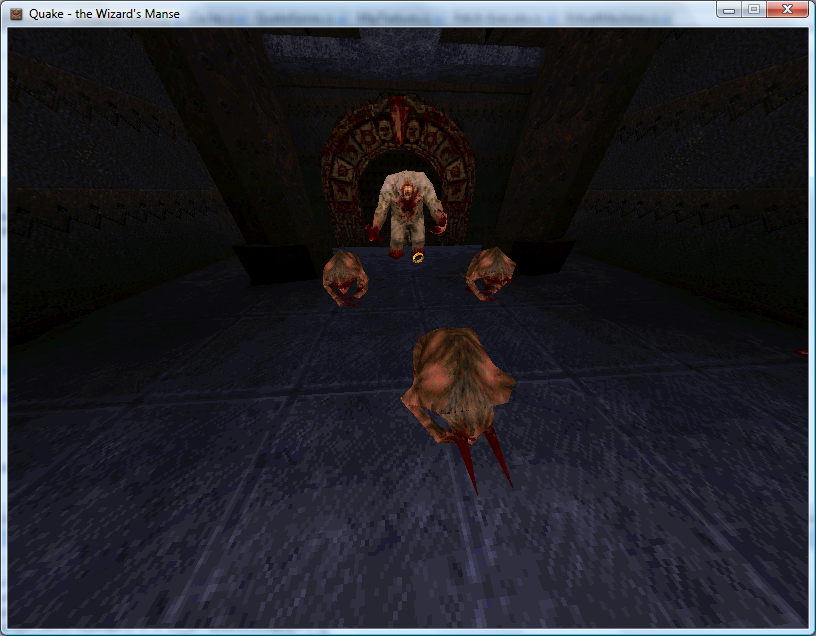
If you look back a few weeks you'd notice that I already had a lot of this done. In the past, however, I was simply using a hard-coded entity name to model table and dumping entities any old how through the level. By parsing and executing progs.dat I don't have to hard-code anything, can animate models correctly, and even have the possibility of running the original game logic.
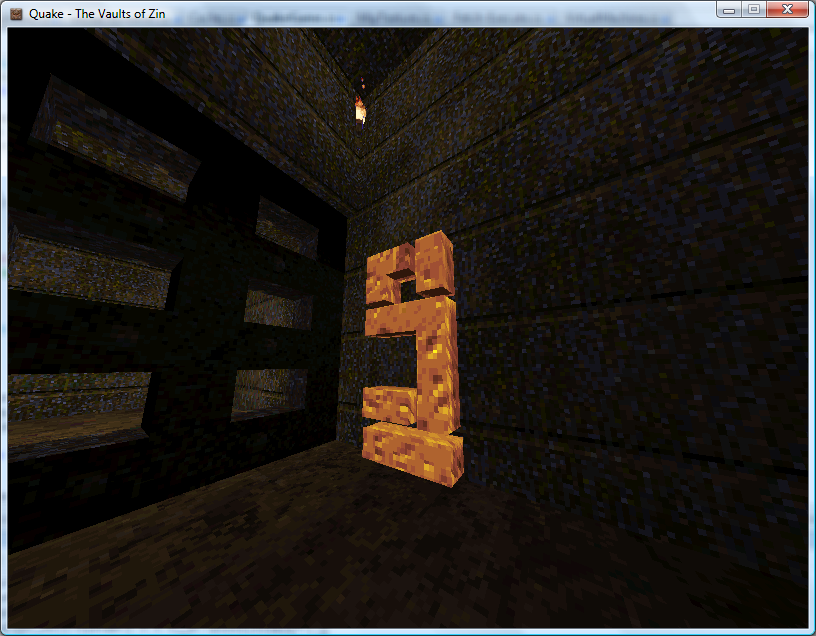
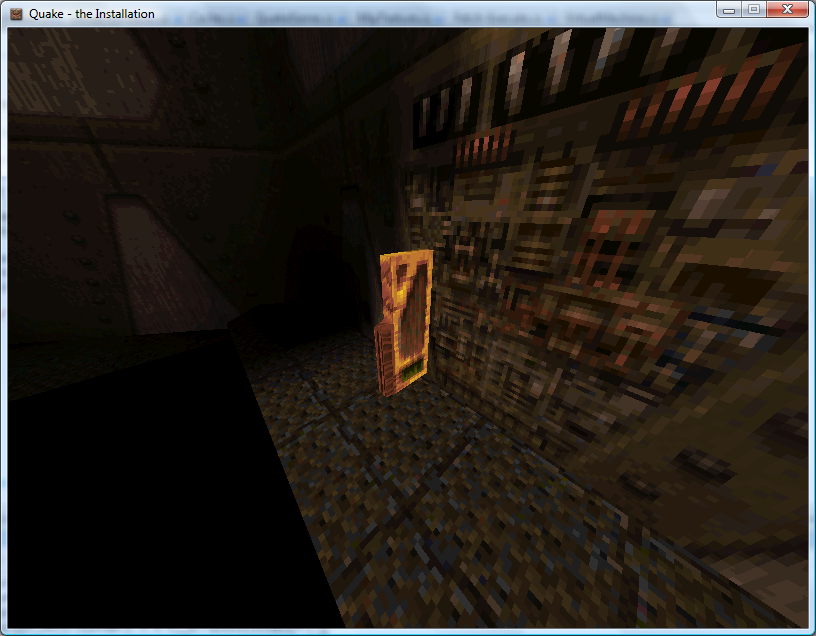
An example of how useful this is relates to level keys. In some levels you need one or two keys to get to the exit. Rather than use the same keys for each level, or use many different entity classes for keys, the worldspawn entity is assigned a type (Mediaeval, Metal or Base) and the matching key model is set automatically by the key spawning QuakeC function:
/*QUAKED item_key2 (0 .5 .8) (-16 -16 -24) (16 16 32)GOLD keyIn order for keys to workyou MUST set your mapsworldtype to one of thefollowing:0: medieval1: metal2: base*/void() item_key2 ={ if (world.worldtype == 0) { precache_model ("progs/w_g_key.mdl"); setmodel (self, "progs/w_g_key.mdl"); self.netname = "gold key"; } if (world.worldtype == 1) { precache_model ("progs/m_g_key.mdl"); setmodel (self, "progs/m_g_key.mdl"); self.netname = "gold runekey"; } if (world.worldtype == 2) { precache_model2 ("progs/b_g_key.mdl"); setmodel (self, "progs/b_g_key.mdl"); self.netname = "gold keycard"; } key_setsounds(); self.touch = key_touch; self.items = IT_KEY2; setsize (self, '-16 -16 -24', '16 16 32'); StartItem ();};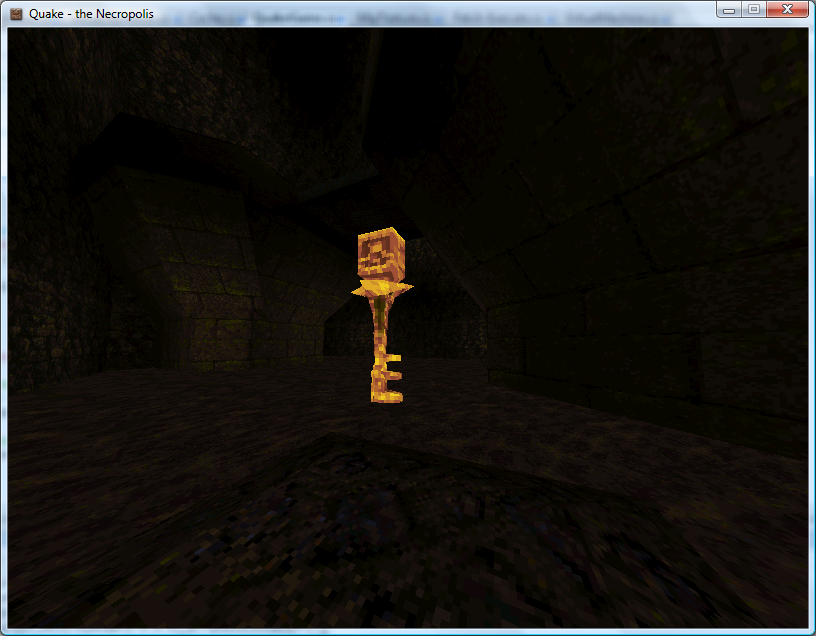
Mediaeval Key
Metal Runekey
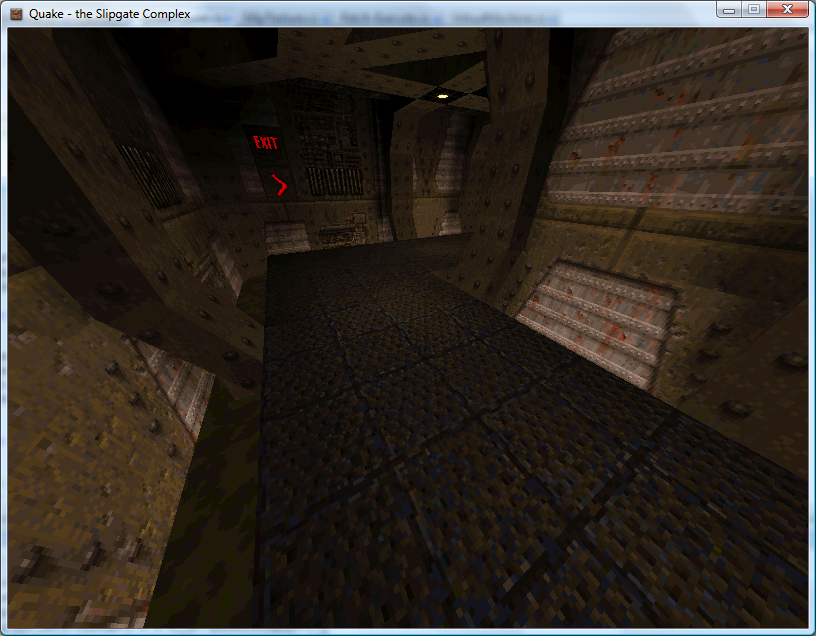
Base Keycard
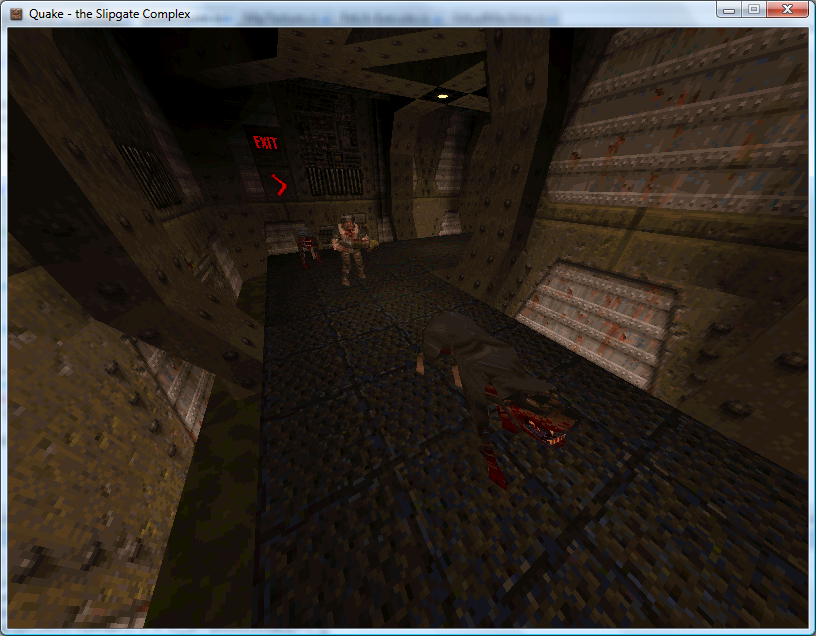
One problem is entities that appear at different skill levels. Generally higher skill levels have more monsters, but there are other level design concerns such as swapping a strong enemy for a weaker one in the easy skill mode. In deathmatch mode entities are also changed - keys are swapped for weapons, for example. At least monsters are kind - their spawn function checks the deathmatch global and they remove themselves automatically, so adding the (C#) line Progs.Globals["deathmatch"].Value.Boolean = true; flushes them out nicely.
Each entity, however, has a simple field attached - spawnflags - that can have bits set to inhibit the entity from spawning at the three different skill levels.
Easy
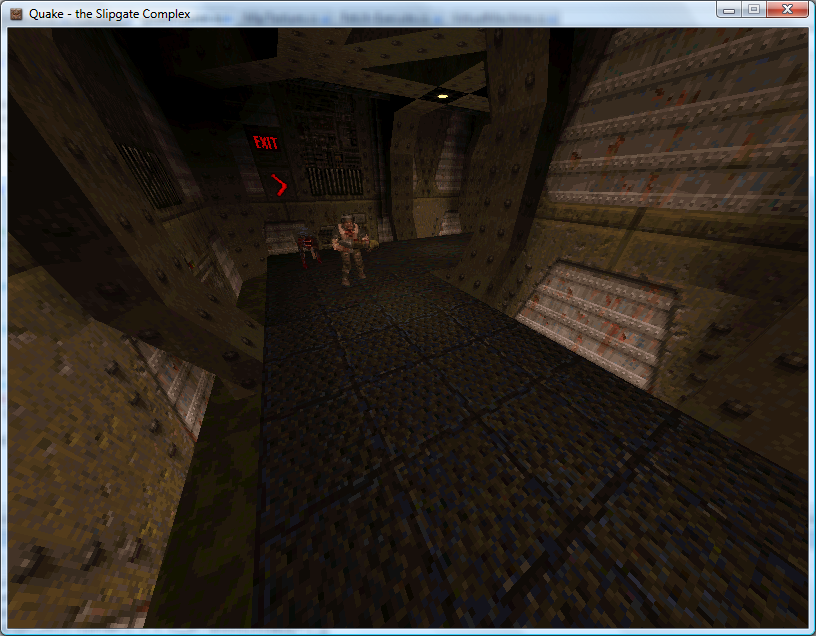
Medium
Hard
Regrettably, whilst the Quake 1 QuakeC interpreter source code is peppered with references to Quake 2 it would appear that Quake 2 used native code rather than QuakeC to provide gameplay logic, so I've dropped development on the Quake 2 side at the moment.


This is looking really nice, I really need to get around to writing a .bsp loader - so far I only have a md2 -> custom model format and a custom loader / renderer / animating thingy...