
Procedural terrain generation progress

3,867
3
Advertisement
I've completed the start of the procedural terrain. You can download the test on my site here. I know not a lot of people read this, but if you are one of the few, and you decide to download it, I'd appreciate some feedback on how well it runs.
If you do download it, you can move with wasd, and holding down the right mouse button. There's no load screen right now, so initially, please wait and don't move until the terrain loads (~10-20 seconds). After that you can move as far as you want, and the program should generate the terrain around you.
On my two year old PC I get around 200fps, (bottom left corner). I can crank up the terrain resolution higher, and I can make visibility past 0.5km, but it will probably have a very adverse effect.
Right now, I use two layers for the different LODs. The high resolution (colored blue), is generated in close proximity to the camera. (it's colored blue for testing purposes), and everything else is the low resolution. I'm thinking, I might get better performance if I add a medium resolution, and decrease the low-resolution's sampling density.
Update: Added a third LOD, which means there's visibility of 1.5km now, and I actually gained a small speed boost in rendering.
Also added collision with terrain, which prevents the camera (and any future objects) to go inside the terrain. Since the terrain is density-function based, there is an actual 'inside', so collision isn't based on polygon intersection. The method I'm using also allows for both elastic and inelastic collision. It also has a nice side-effect that it's decoupled from the rendered polygons, allowing any object to collide properly without the need for the ground to be rendered at all at the object's location.
Updated version has replaced the old download.
Anyway, here's a screenshot. Though the best way to experience the procedural (theoretically infinite, though 'arbitrarily large' is a better term) terrain is to download the program from the link above.
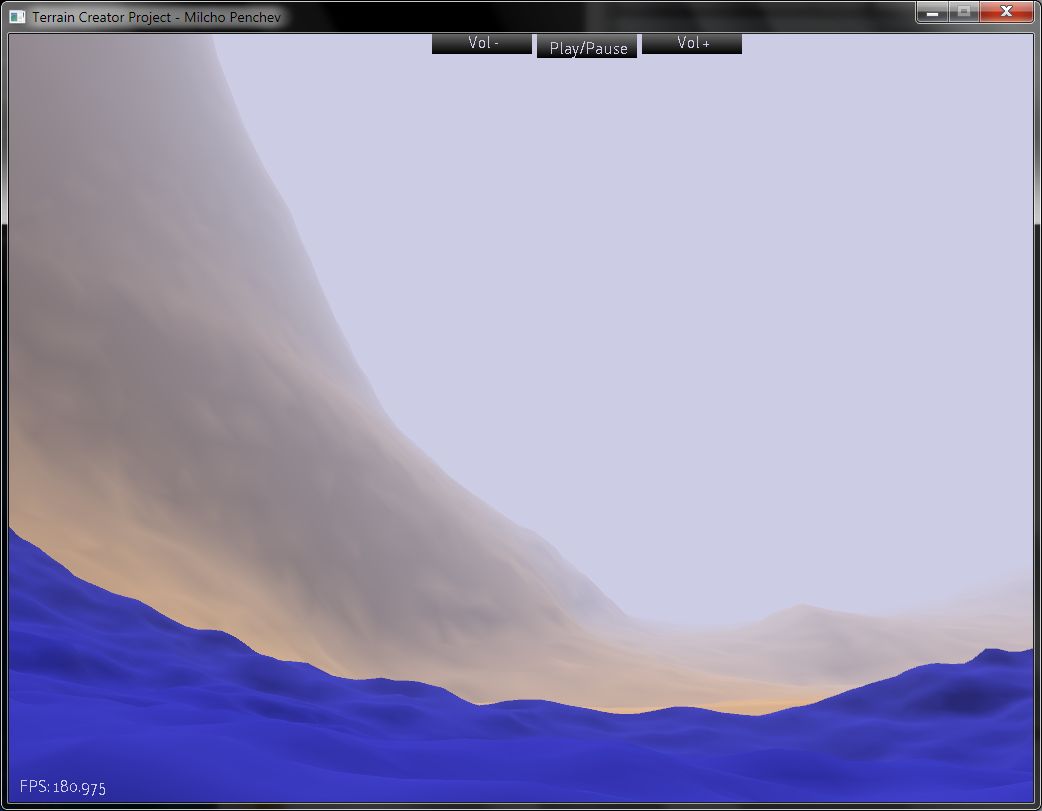
New screenshots, with 3 LODs
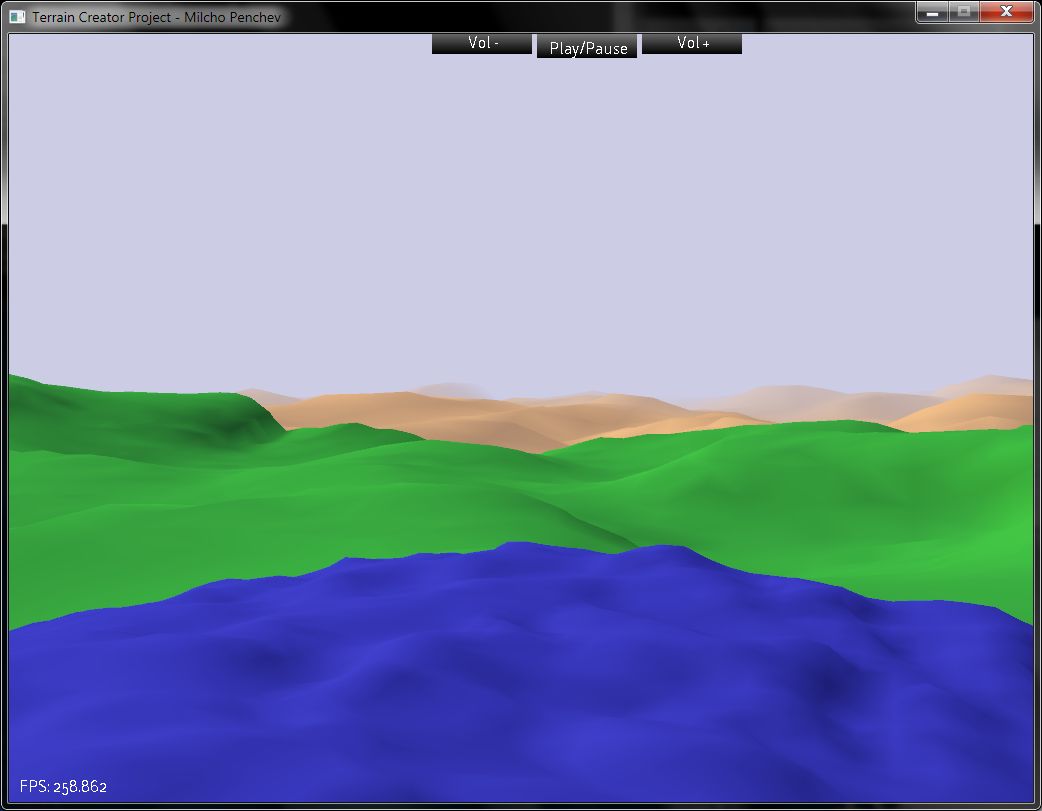
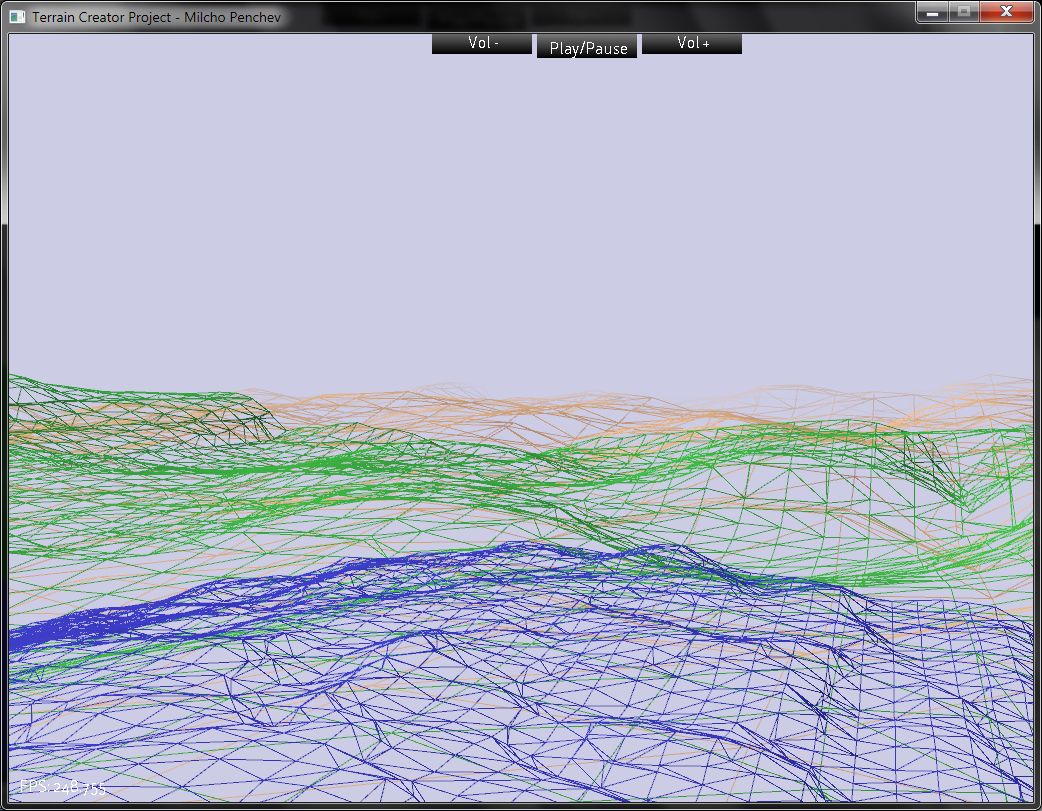 Edit: new screenshot. I might switch to a texture atlas, because 3d texturing has it's quirks. Alternatively I could make my own mipmaps for the 3d texture.
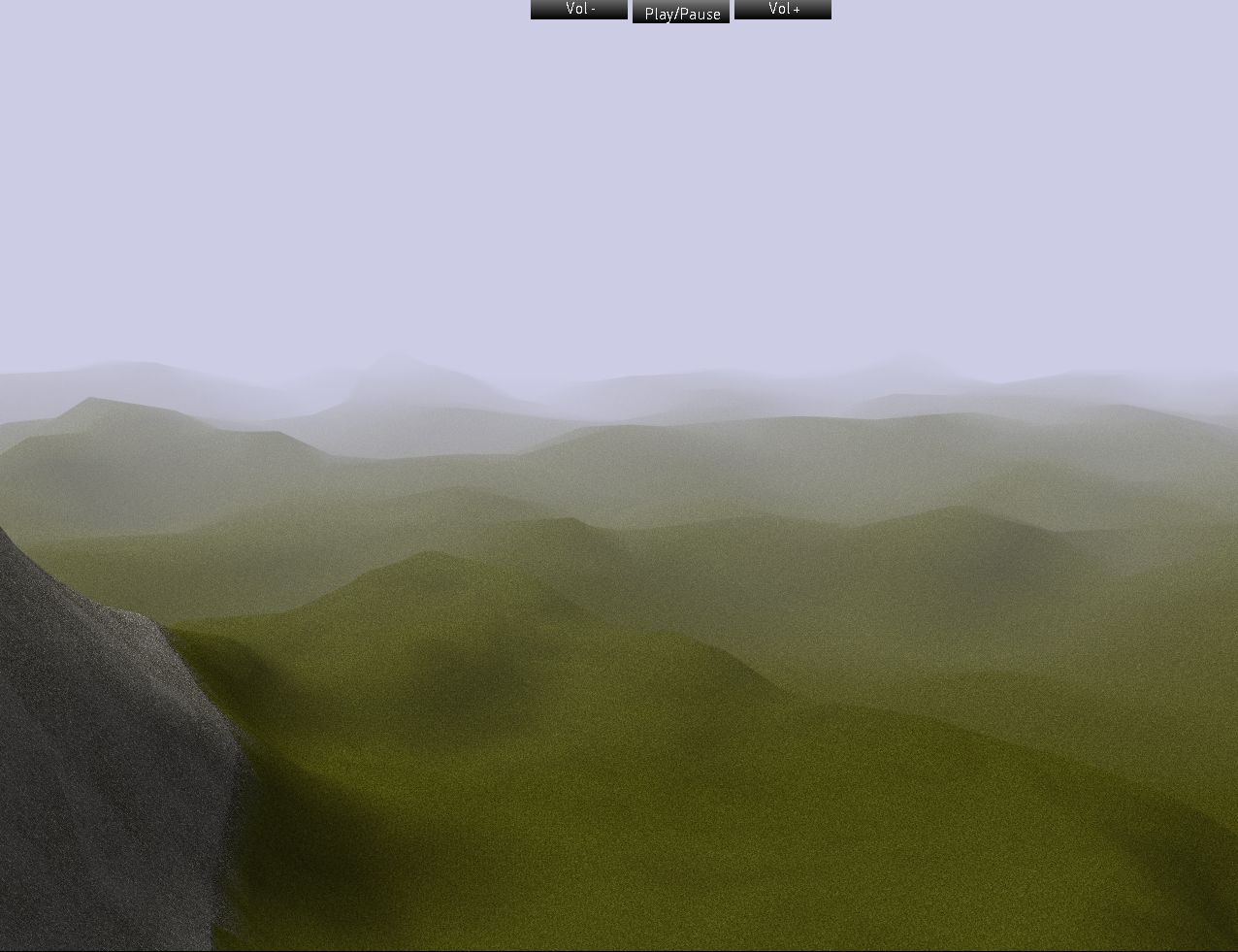
If you do download it, you can move with wasd, and holding down the right mouse button. There's no load screen right now, so initially, please wait and don't move until the terrain loads (~10-20 seconds). After that you can move as far as you want, and the program should generate the terrain around you.
On my two year old PC I get around 200fps, (bottom left corner). I can crank up the terrain resolution higher, and I can make visibility past 0.5km, but it will probably have a very adverse effect.
Right now, I use two layers for the different LODs. The high resolution (colored blue), is generated in close proximity to the camera. (it's colored blue for testing purposes), and everything else is the low resolution. I'm thinking, I might get better performance if I add a medium resolution, and decrease the low-resolution's sampling density.
Update: Added a third LOD, which means there's visibility of 1.5km now, and I actually gained a small speed boost in rendering.
Also added collision with terrain, which prevents the camera (and any future objects) to go inside the terrain. Since the terrain is density-function based, there is an actual 'inside', so collision isn't based on polygon intersection. The method I'm using also allows for both elastic and inelastic collision. It also has a nice side-effect that it's decoupled from the rendered polygons, allowing any object to collide properly without the need for the ground to be rendered at all at the object's location.
Updated version has replaced the old download.
Anyway, here's a screenshot. Though the best way to experience the procedural (theoretically infinite, though 'arbitrarily large' is a better term) terrain is to download the program from the link above.
New screenshots, with 3 LODs
Edit: new screenshot. I might switch to a texture atlas, because 3d texturing has it's quirks. Alternatively I could make my own mipmaps for the 3d texture.
Previous
Procedural Terrain + Texturing (with screenshots)
Next
Density-based Terrain Screenshots mini-post
Advertisement
Advertisement
Advertisement
Discussion