
Now made with Unity!

Finally! There it is, the new version of Imagine Earth using the Unity graphics engine. It took us a while to port all visualizations and UI elements, but the result it totally worth it – especially because we can move much faster now based on a modern graphics engine with a lot of tools and features that make the live a lot easier for us.
Full savegame compatibility
Before we have a look into what is new, we want to point out that your existing savegames will still work. If you experience any problems related to that, please note that we lately moved the savegames to a new directory:
%userprofile%\AppData\Local\ImagineEarth
If you want to try out the old version again after tomorrow afternoon on for comparison, you can do so with the following instructions:
Right-click Imagine Earth in your Steam Library.
Under „Properties…“ click „Betas„
Enter the password „oldgameengine„
Ocean shader
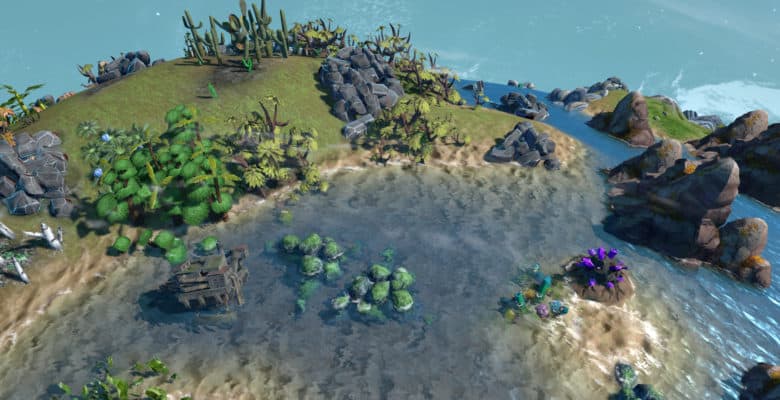
A good example for these beautiful opportunities is the new ocean shader that comes with refraction effects for objects that are under water.
Physics based materials & new lightning
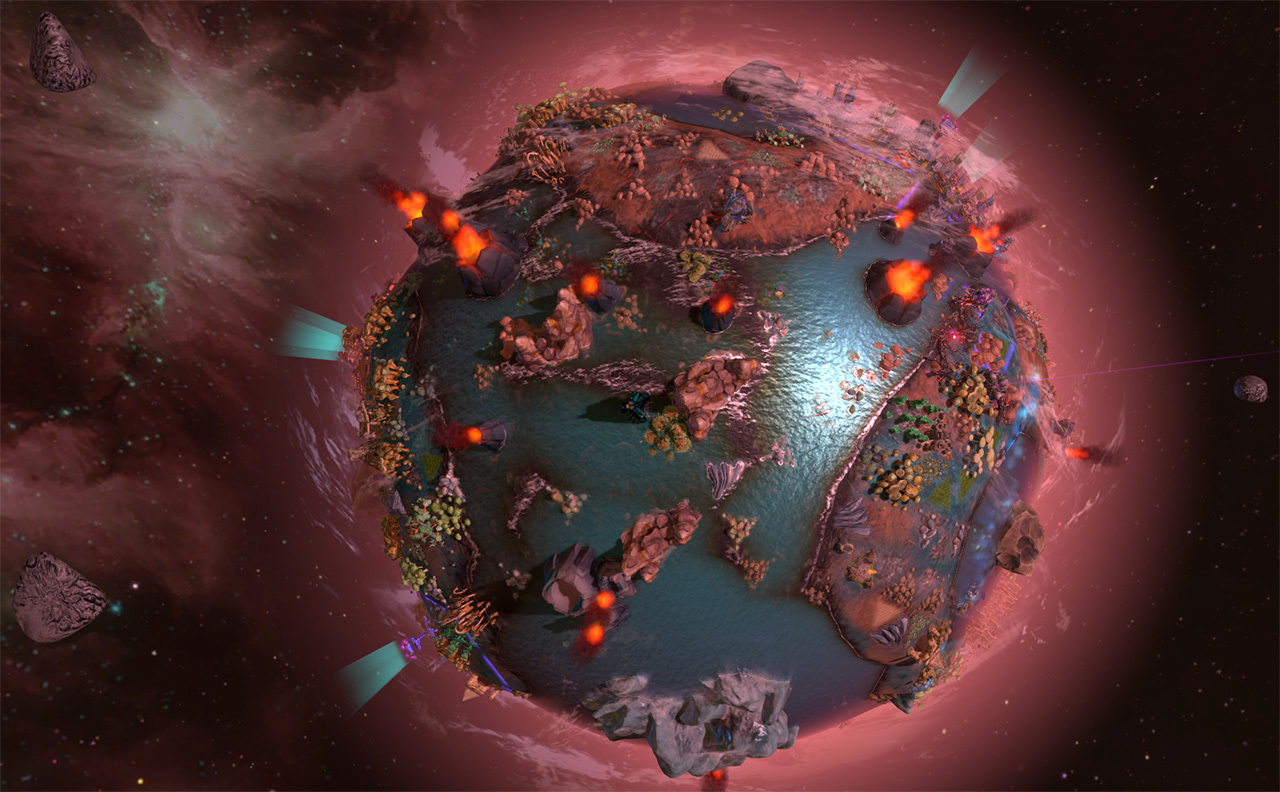
The unity engine made it a lot easier for us to add beautiful visual effects. We use physics based rendering for all buildings and world objects, which for example gives rare resource deposits metallic reflections in the sun.
Also each planet theme now has a much stronger colorization and individual look.
Post-processing effects
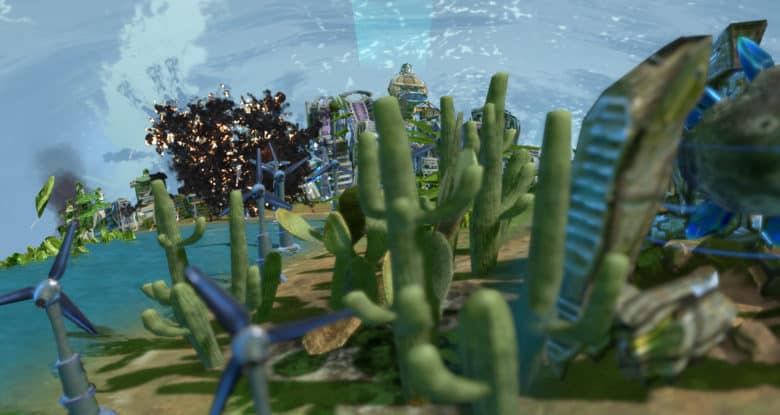
The game now makes use of an improved bloom post-processing effect and a depth of field filter, as shown in the image below.
There is also an exposure filter that lights the scene up on the night side of the planet.
3D Sound
Finally we have a working solution for the 3D sounds in the world. This feels especially great with the new landing sounds of the trader space ships.
Planetary shield
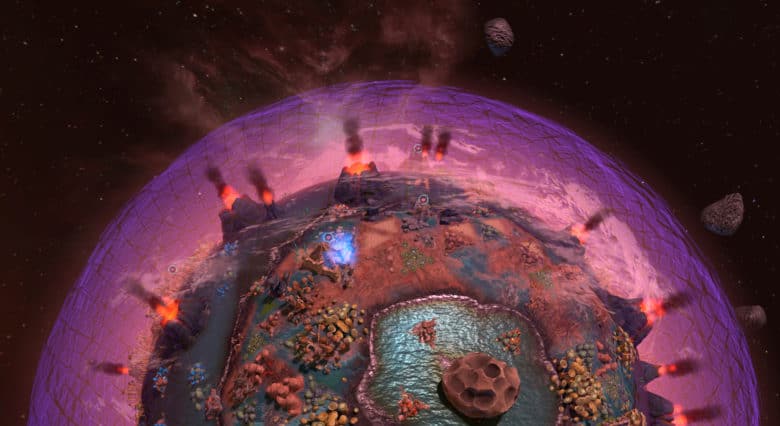
This is the new style for the planetary shield generated by the great pyramids. The triangle elements randomly move and make it look very organic.
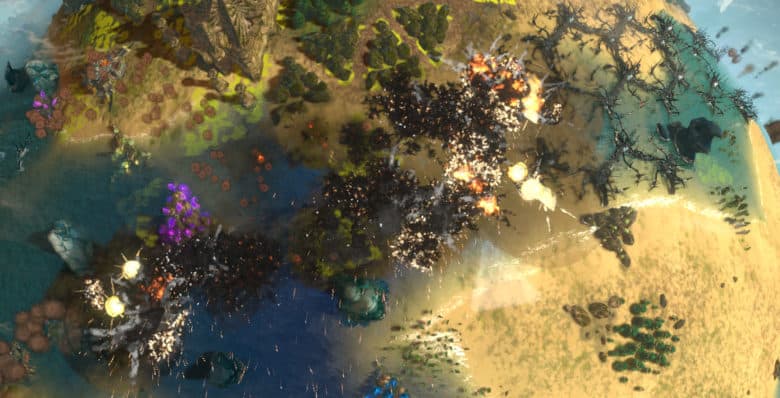
Explosions
I picture says more than a thousand words…
Thunderstorms
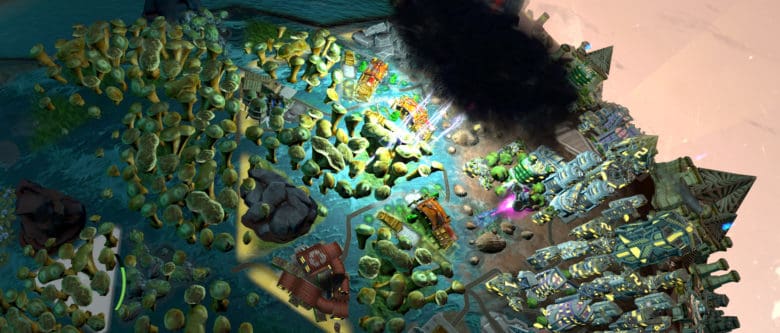
The thunderstorm has a completely new visualization and each lightning strike puts the scene into a bright light.
Pollution, snow and more particles
Snow areas now look more natural and sometimes have a decent snow particle effect.
We have also used particle effects and the new building shader to intensify the pollution visualization. Thus it’s now easier to see which fields have a high pollution and need cleaning.
Forests
Trees in forest now move independently from each other in the wind. Also we have added basic shadows that make the forests easier to see on the night side of the planet.
Other improvements
- Improved video quality and playback.
- „Building menu“ title on the building ring to make it better distinguishable from the tool ring
- Consistent usage of fertility icon
- Volcano and other big objects: The tool ring is now positioned over the clicked field instead of the center of the object
Recommended resources
Game Engines

Unreal Engine 5 Best Practices
Amazon · Book
Written by multi-award-winning Unreal generalist Tyson J. Butler-Boschma, Founder and Creative Director of Toybox Games Studios, this book addresses common challenges you face when advancing your expertise in lighting, environment design, and cinematic storytelling.
GameDev.net may earn a commission if you purchase through these links. This helps fund the site at no extra cost to you.
Discussion