
Best Free-to-Try Seedance 2.0 Workflow for Stable Game Trailer Shot Tests (Then Scale With API)
When a small game team is preparing a Steam page, pitch deck, or first teaser, it often needs one or two moving shots before the final build can deliver them. The wrong response is to generate a whole trailer from a broad prompt and present it as the game. That creates a trust problem fast, especially when a generated character, environment, or interface does not match the real project.
The more useful early-stage job is narrower: test the direction of a shot. Is the game's hero more readable in a slow push-in? Does moving fog make the location feel larger or just hide the silhouette? Is the first second strong enough for a social post? Those are creative questions a team can answer before spending animation, capture, or edit time.
I use Sea Imagine as a place to run a small, reference-led test with Seedance 2.0. The workflow begins with one approved piece of game art or an owned in-engine still, not a long prompt describing an imaginary game. That reference is the anchor. It gives the model a clear target for the hero silhouette, costume palette, major props, environment language, and framing.
The three-shot test
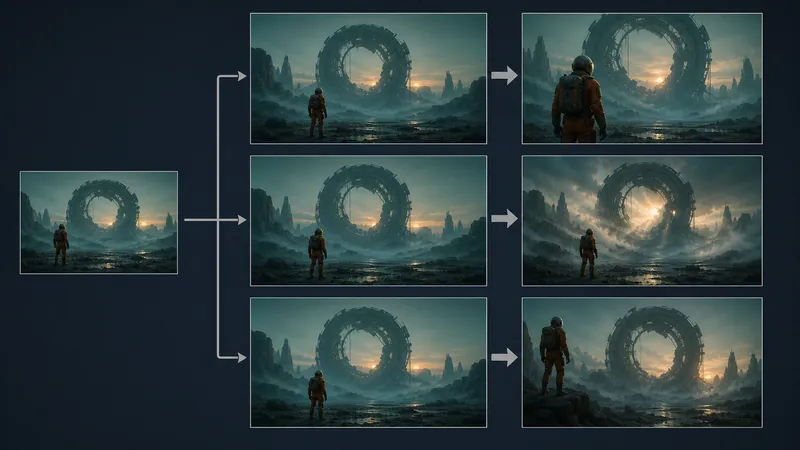
Keep the source image, aspect ratio, and clip length fixed. Then make only three variants.
Camera test: Use a slow push-in or slight lateral drift. Keep the environment nearly still.
Atmosphere test: Lock the camera. Add one environmental action, such as fog crossing a canyon, rain moving through a light, or a distant machine pulsing.
Opening-frame test: Keep the world and shot language, but change only the composition of the first second for a vertical feed or store-page teaser.
The rule is deliberately boring: do not change the camera, character pose, weather, creature design, props, and location all at once. When an output goes wrong, a team needs to know why. A controlled test turns an attractive but vague result into a clear art-direction decision.
A prompt structure that keeps review possible
Here is a compact brief for a fictional sci-fi adventure still:
Reference: use the supplied in-engine still as the visual anchor.
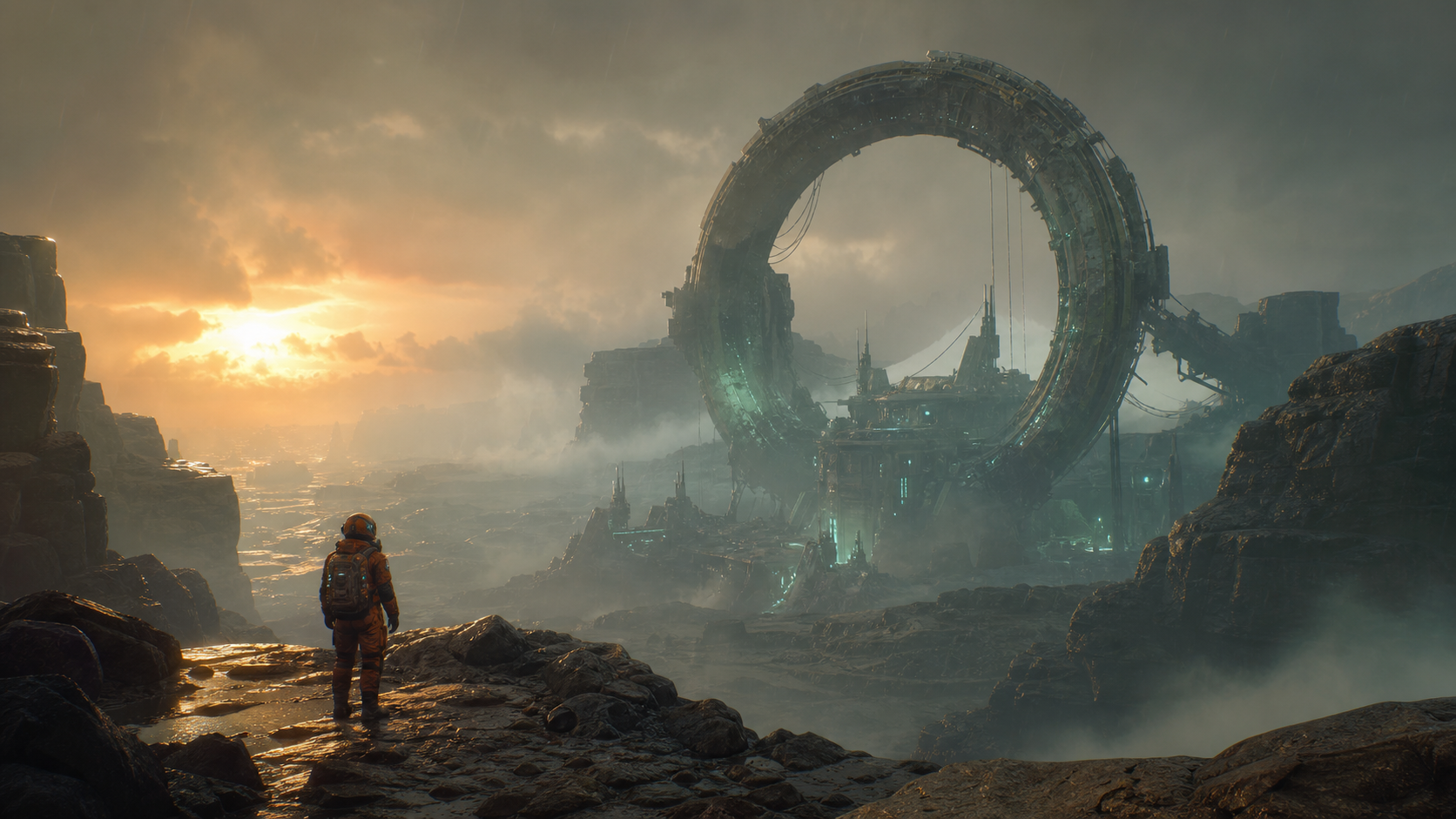
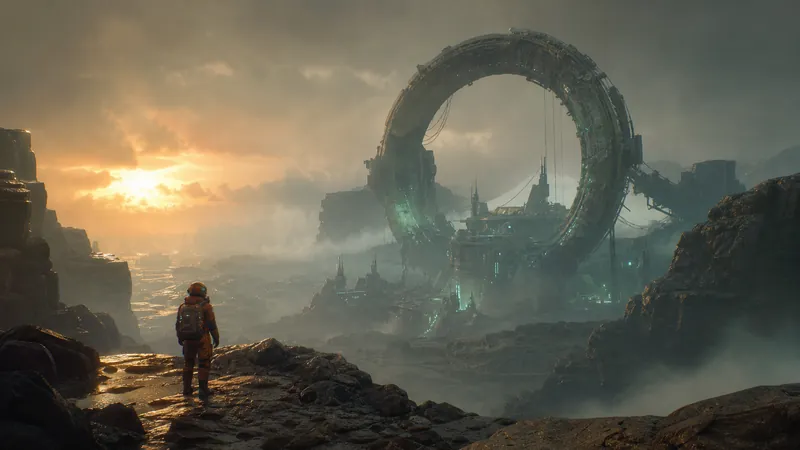
Keep: the explorer's orange suit, backpack silhouette, wet canyon, and ring structure.
Action: a gradual camera push-in toward the ring; light fog only.
Camera: no cuts, no shake, no new angle.
Lighting: retain the source sunset and teal practical lights.
Avoid: new weapons, enemies, UI, logos, text, altered costume details, or new gameplay claims.
Format: 16:9 teaser shot, short duration.
There are two useful review gates. The first is asset consistency: does the output preserve the distinctive things a player would later recognize in the real game? The second is representation: could a reasonable viewer mistake this for captured gameplay, a shipped mechanic, or an announced feature?
If the answer to the second question is yes, label it as a concept or do not use it publicly. Generated video can be useful for internal mood, shot-planning, and campaign concepts without being appropriate as a public product claim. That boundary protects both the team and the audience.
What I would take into a real trailer review
For each variant, I would show the art lead, designer, and marketing owner the same still, the same intended use, and one question: what do you understand about the game in the first two seconds?
Useful answers are specific: “the player is alone in a flooded industrial ruin,” “the ring is the destination,” or “the character reads clearly on a phone.” Less useful answers are only “it looks cinematic.” If the shot obscures the playable character, invents a mechanic, or looks like a different game, it has failed the test even if it looks expensive.
The tangible output from this exercise is not a finished trailer. It is a short, documented shot direction the team can hand to the people making the real capture, animation, or edit. That is often a better early return than spending days polishing one AI clip whose relationship to the game is unclear.
From a small test to a production pipeline
Sea Imagine is suitable for the initial free-to-try exploration, subject to the current credits, pricing, and model availability shown on the live product page. Once a team has an approved reference, a review rubric, and a specific non-gameplay use case, the next question is scale rather than prompting.
For programmatic image-to-video production, see Flaq's Seedance 2.0 image-to-video API. Its related image-to-video creation guide is useful for mapping the hand-tested workflow into a repeatable production process.
The question I would bring back to the team is simple: which single visual change makes the real game easier to understand without making the concept clip pretend to be the game?
Discussion