
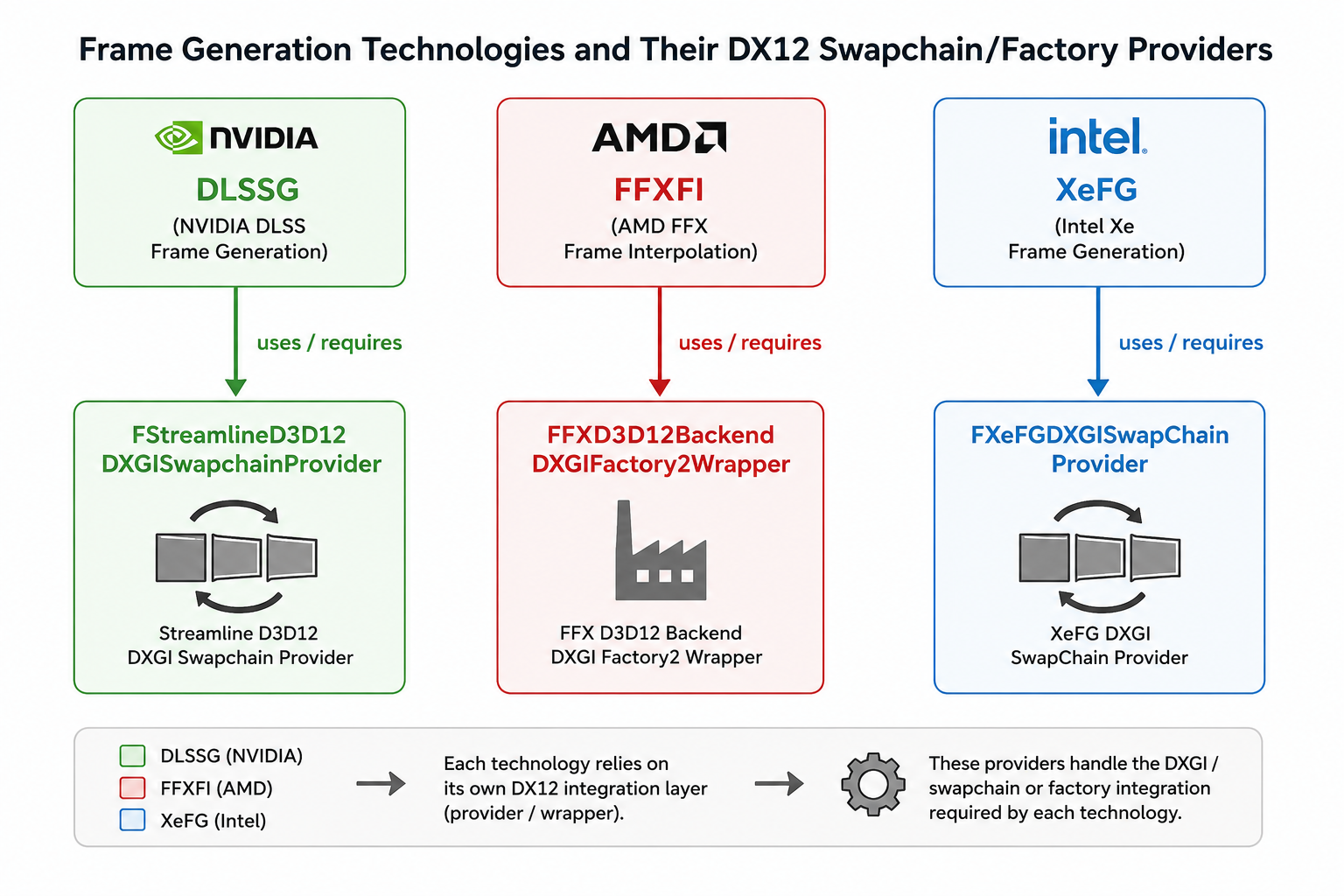
Unreal Engine - Make frame generation plugins work properly
Have you ever wondered why DLSSG/FFXFI/XeFG did not work at all after you installed them?
Have you ever wondered why a single frame generation plugin works well, but they suddenly malfunction after you installed all three of them?
If YES, then this article might help you. I use UE's LyraStarterGame as an example here and base on UE 5.7
UE plugins for DLSSG/FFXFI/XeFG
These can be easily found on NVIDIA/AMD/Intel's websites. Simply follow their installation steps.
https://developer.nvidia.com/rtx/dlss#getstarted
https://gpuopen.com/learn/ue-fsr/
https://github.com/GameTechDev/XeSSUnrealPlugin
Enable frame gen
Pretty striaght forward also. Each plugin has their own console variables to toggle the frame generation.
r.Streamline.DLSSG.Enable
r.FidelityFX.FI.Enabled
r.XeFG.Enabled
But how to check whether the frame generation is working?
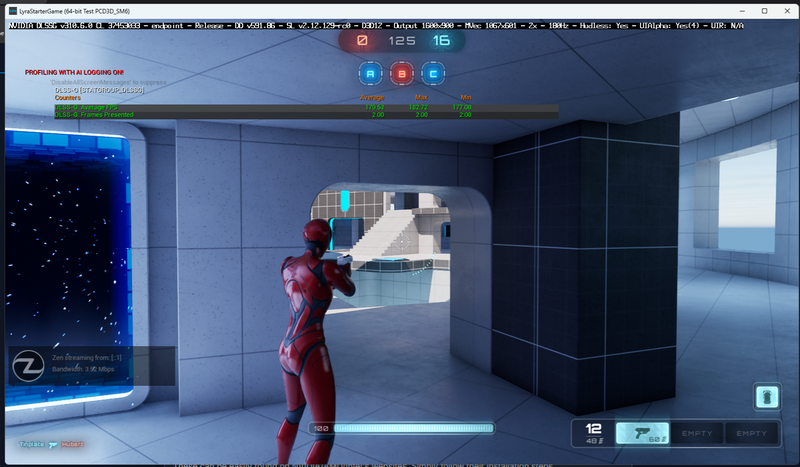
Besides a visual/eye check, you can use the following commands:
stat DLSSG
stat XeFG
stat FPS + r.FidelityFX.FI.UpdateGlobalFrameTime
Both DLSSG/XeFG have a statgroup to display presented frame.
If the number of presented frame is greater than 1, the frame generation is working.
AMD didn't have a statgroup and they evaluate frame rate with interpolated frames instead.
Swapchain override
This is usually the main culprit that causes frame generations fail to work.
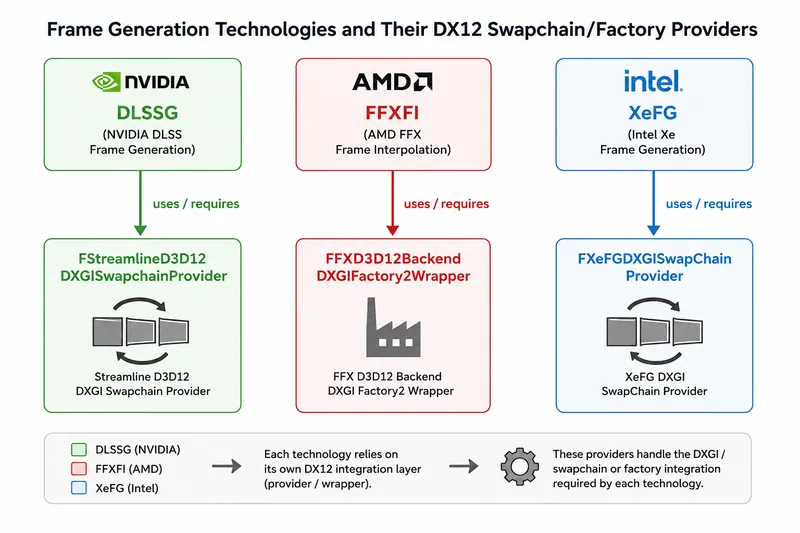
Each of these plugins has their own swapchain override, and the swapchain must be created by their proxies for frame generations to work.
Check following commands:
r.FidelityFX.FI.OverrideSwapChainDX12 (default enabled)
r.XeFG.OverrideSwapChain (default enabled)
r.Streamline.MaxNumSwapchainProxies (default auto, means enabled in most cases)
They should be enabled already when you install the plugins.
Frame gen plugin compatibility
Okay now this is the key find I'd like to share.
Why the frame generation stopped working when there are multiple plugins?
Short answer - They conflicted and are not compatible each other! If you don't do any code changes.
As mentioned in the above illustrate, each frame gen method requires their own swapchain to work.
So how does Unreal select the DXGISwapchainProvider to use? The answer is in FD3D12Viewport::Init():
TArray<IDXGISwapchainProvider*> DXGISwapchainProviderModules = IModularFeatures::Get().GetModularFeatureImplementations<IDXGISwapchainProvider>(IDXGISwapchainProvider::GetModularFeatureName());
IDXGISwapchainProvider* DXGISwapchainProvider = nullptr;
for (IDXGISwapchainProvider* ProviderModule : DXGISwapchainProviderModules)
{
	if (ProviderModule->SupportsRHI(ERHIInterfaceType::D3D12))
	{
		DXGISwapchainProvider = ProviderModule;
		break;
	}
}
The problem is that Unreal Engine only selects the FIRST provider that is supported by the RHI.
The SupportsRHI() does not even have any differences in plugins implementation, they're all like this:
bool SupportsRHI(ERHIInterfaceType RHIType) const override final
{
	return RHIType == ERHIInterfaceType::D3D12;
}
This makes the engine always selects the first available IDXGISwapchainProvider!
So imaging you want to enable XeFG but the system selects AMD's swapchain provider...that is an obvious mismatch and the frame gen will certainly not work.
Solution: Add one more condition in the SupportsRHI() to tell UE whether to use this DXGISwapchainProvider.
// Under FStreamlineD3D12DXGISwapchainProvider
bool SupportsRHI(ERHIInterfaceType RHIType) const override final
{
	IConsoleVariable* CVar = IConsoleManager::Get().FindConsoleVariable(TEXT("r.Streamline.DLSSG.Enable"));
	return RHIType == ERHIInterfaceType::D3D12 && CVar->GetInt() == 1;
}
In my case I simply make it follow the frame gen enable setting. But there are some freedoms here and this part can be done in anyway you like. At least UE will select the correct swapchain when it calls FD3D12Viewport::Init().
Toggleable frame gen in runtime?
This is another challenge. As mentioned above each frame gen method requires their own swapchain to work and the Unreal engine will select from them in FD3D12Viewport::Init().
The problem is - Unreal engine only initializes FD3D12Viewport ONCE and will not call Init() again. Which makes the DXGISwapchainProvider remain the same one when the UE was launched. Swapchain must be recreated with desired IDXGISwapchainProvider!
Certain plugins also mentioned this in their programming guide (Intel XeFG as an example):
Compatibility with 3rd party frame generation software
XeSS-FG is not compatible with any 3rd-party frame generation software.
If the application wants to switch from XeSS-FG to any other frame generation technology, it must fully shutdown XeSS-FG. If the application wants to switch to XeSS-FG it should shut down any other running frame generation technology and perform full initialization starting from swap chain creation. XeSS-FG does not support sharing of the swap chain with any other libraries.
Solution: Implement a swapchain recreation function in the engine code and call it when you change the frame generation method.
Just Make sure to release ALL backbuffer and swapchain references before calling CreateSwapChainForHwnd()!
Summary
Frame generation plugins require their corresponding swapchain providers to work properly.
Solve that swapchain issue you will be good in most of time with frame generation!
Discussion