
Creating Hand-Drawn Atmospheric Fog in Unity for Dark Coffee
PRO Tired of ads? Read GameDev.net ad-free and help keep the community independent with GameDev Pro — $3/month.
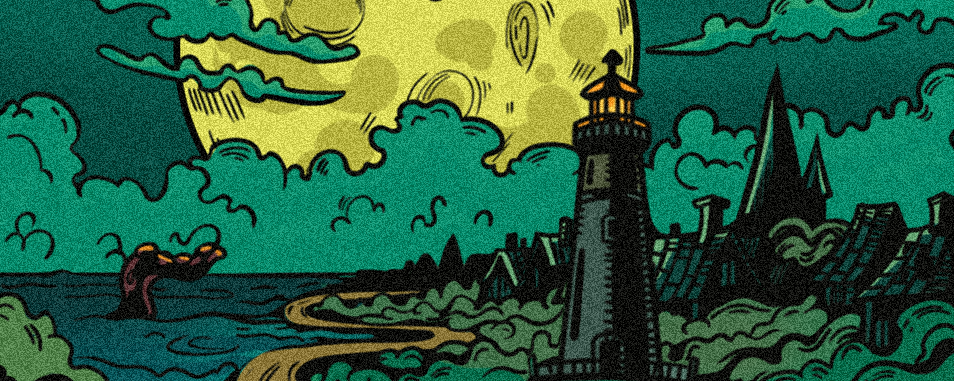
Hi everyone! Today I would like to share the process of creating spooky atmospheric fog for our game Dark Coffee.
First, I drew the fog itself, making a sketch, the base, and the line art on top. Then I cut it up and added a noise filter to create an aged paper effect.

After that, I created a separate folder in the assets and added the images to Unity. For these images, I used the Generate Mipmap setting so the image wouldn’t get blurry, and I completely disabled compression. After I prepared all the assets, I started assembling the fog tentacles using Raw Image - I picked this up from a tutorial - Jimmy Vegas.

When the fog was fully assembled, I made a simple appearance animation for it. The fog’s alpha channel and its position along X and Y were changing. The result felt a little unfinished to me, so I decided to add comic-style captions that would appear over the images with the hands.

There are many such effects in the game.
In the end, I added a small light flicker and then turned the light off. To do this, I duplicated some of the assets, so I have light and dark versions that I simply switch between. It’s a bit of a rough method.
I was advised to use masks, but I haven’t figured out how to work with them yet.
This is what the development process of our game Dark Coffee looks like.
Discussion