
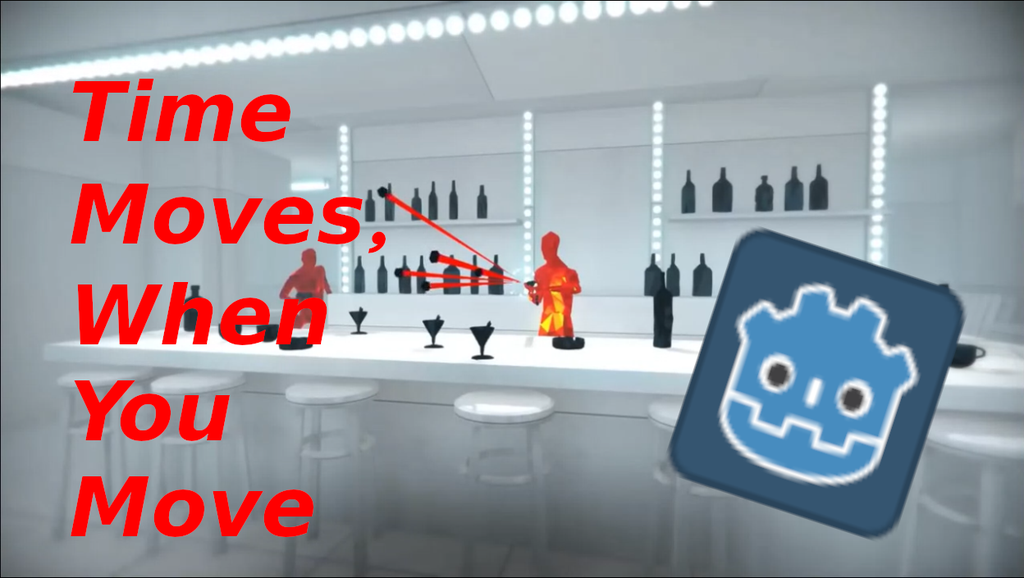
How to make 2D SUPERHOT like "TIME MOVES, WHEN YOU MOVE" mechanic in Godot.
This is done using "Pause Mode" property. For world, the Pause mode is set to "true" in _process(delta) function while in player's process/input script, is set to "true" for Input events. For detailed explanation, watch the video till end.

This tutorial is hosted externally
https://www.youtube.com/watch?v=oCwKPKGDXyE
This is done using "Pause Mode" property.
For world, the Pause mode is set to "true" in _process(delta) function
while in player's process/input script, is set to "true" for Input events. For detailed explanation, watch the video till end.
Related Tutorials
Balancing Game Development and Creative Direction in Indie Production
A practical look at how indie developers can balance creative direction with hands-on game development. This article co…
 huseyin_onur
My Unreal Engine Development Process: From Core Idea to Playable Build
A practical overview of my Unreal Engine development process, covering how I move from a core game idea to a playable b…
huseyin_onur

Introducing LaneGraph: The Ultimate Road Network Solution for Unity
Discover the power of LaneGraph, a lightweight and flexible lane-based navigation system for Unity. LaneGraph makes it…
Retargeting Mixamo Characters with Root Motion In Unreal Engine 5.4.
I have always found Retargeting Mixamo Characters To have Root Motion is a serious lengthy Tast, Recently I stumbled up…

How To Make A SIMPLE Main Menu In Unity
In this tutorial for unity, i go over how to make a simple main menu for unity, it's an unlisted video because i do not…
 FlipThaSwitzh

Guide to Gameplay Balance
A perspective on competitive gameplay balance, from a background of "shooter" sandbox design.
 Tucker933
Discussion