So first I got a basic layout of the UI:
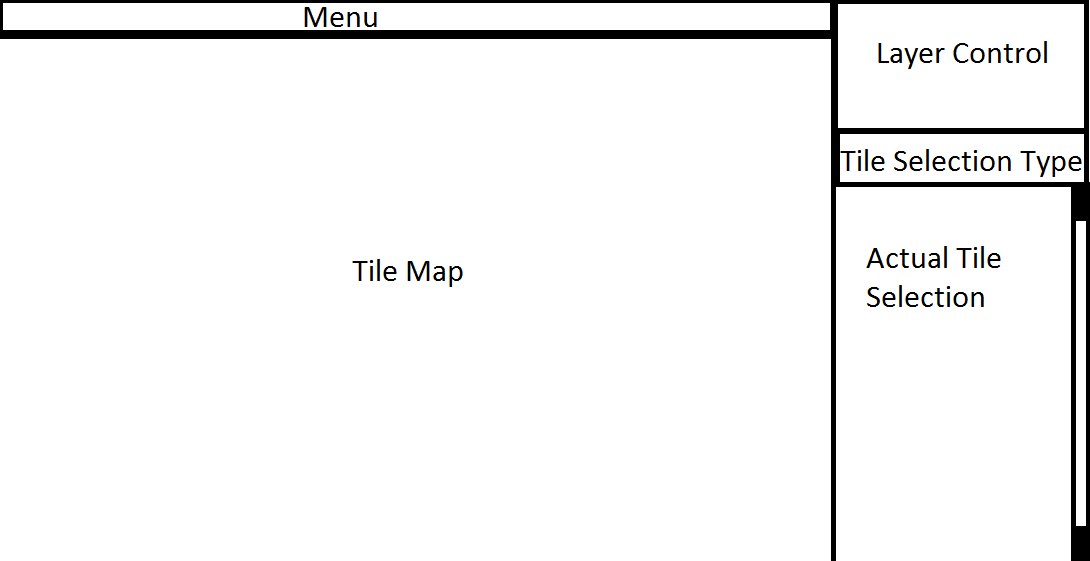
Then a pluggable menu bar (Inherit from ITileMapMenuItem and add it to the window).

Followed by ripped images from Tiled and all basic tools in as skeletons

Then I added the layer control and underlying API alongside a tile map asset for Unity and tile map selector and Tile Map view and grid.
Then I added the actual logic for stamp tool, fill tool and erase tool, fixed up the selection rect and a few little bugs
Following that I added undo\redo and keybinds for menu items
Then I added a proper TileSet asset which holds a list of tiles and their shared sprite
Today I changed some bits of the TileSet UI and updated it to work with Unity 5 beta, cleaned up the API, properly saved the tile definitions inside of the tileset and added ability for tilemaps\tilesets to have different tile sizes.

Things I have left to do:
TODO:
- erase should set the mouse object to a light blue null tile
- tile defining (When creating a tile-set asset for collider \ rigid-body)
- click drag multi-tile selection and placement
- prefab selection and placement
And the current LoC is 2120: