

Monday News #6 : Dialog box creation

2,425
1
Advertisement
Hello everyone ! This week I worked a lot on the creation of dialogs box. These will be visible during cutscenes. To avoid writing redundant code, I created a script to create them. It will save me a lot of time. The creation did not cause me too much trouble. It was enough to know which GameMaker functions to use. To get there, I had to use the Draw GUI event of my cutscene controller to be able to draw at the user interface. Here are the small functions that I had to use:
| draw_set_font | This function allows you to choose the font that will be used for the text. |
| draw_set_halign | This function is used to define the horizontal alignment that will be used. |
| draw_set_valign | This function is used to define the vertical alignment that will be used. |
| draw_sprite | This function allows you to draw a sprite on the screen. I use it to draw the dialog box's background as well as the face if there is one. |
| draw_text_ext | This function is an improved version of draw_text. It defines when an automatic line break will be made according to the width of the text reached. |
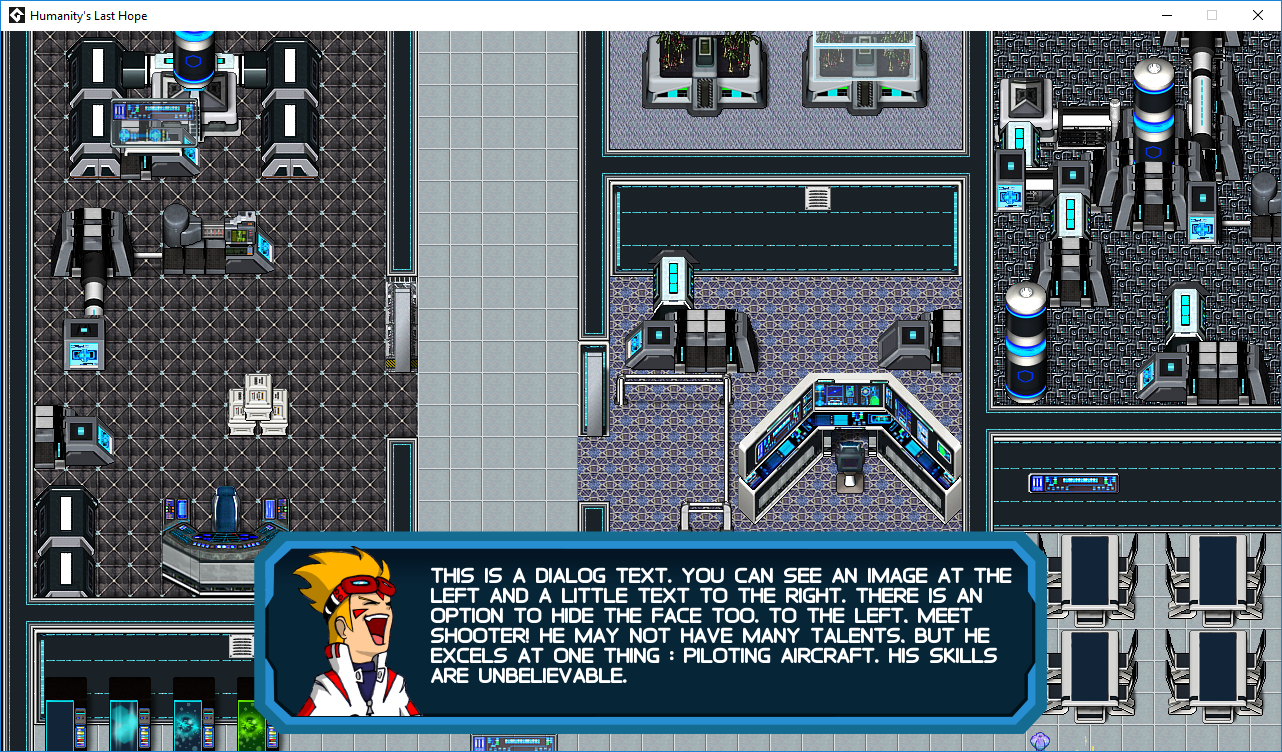
To finish this update, here's a screenshot of a dialog box test with a face.
The original text is on https://sjs-studio.com
Advertisement
Advertisement
Advertisement
Discussion