
Collision detection
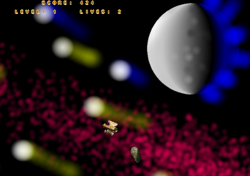
I worked a little on the collision detection demo for GAME1.
Collision detection in 2d games is not always pixel perfect. The reason is that checking if each pixel of one sprite is colliding with any other pixel of any other sprite is (was) very CPU intensive.
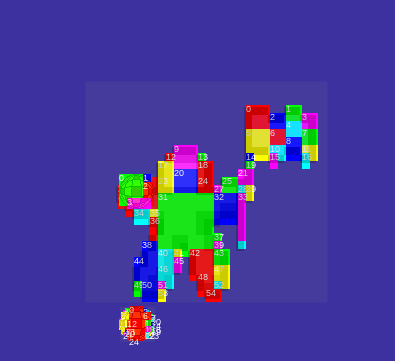
To overcome this, collision boxes were invented. Game 1 has support for collision boxes. Each sprite can be automatically be divided up into number of collision boxes, according to the collision box resolution.
A higher resolution on collision boxes, the more “pixel perfect” the collision detection is, and also the more CPU it takes to calculate. With the pixel collision resolution parameters you can find the right balance for your retro game.
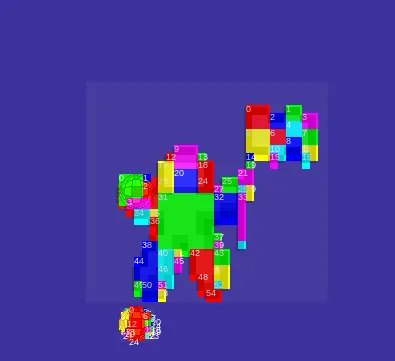
This you tube movie of the collision detection demo (below), uses collision box debug. The collision boxes, normally you do not see, but with the extra debug on you can see them and analyses them.
(Also it looks a bit cool, I thought ?)
The demo itself can be viewed here:
https://joystickandcursorkeys.github.io/game1/examples/demos/sprites_collision/index.html
Below the short youtube clip.
Discussion