GameDev.net gamedev.net
🔒 Locked

Navier-Stokes fluid dynamics

Started by taby Mar 1, 2025 at 1:27 AM 28 replies 8.8k views
Original Post
taby
taby

I basically started studying Unreal Engine 5 because it has a really nice Navier-Stokes solver. However, it was not clear to me whether or not they allowed you to report collision data for things other than rendering purposes. That was a big disappointment for me, because I would have had to pay some major cash to get official support on the subject.

So I decided to see how far I could get using Claude AI. After some alterations, the code that I got from Claude is at:

https://github.com/sjhalayka/navier-stokes

It collects data on the collisions with obstacles, and reports it on the CPU end of things.

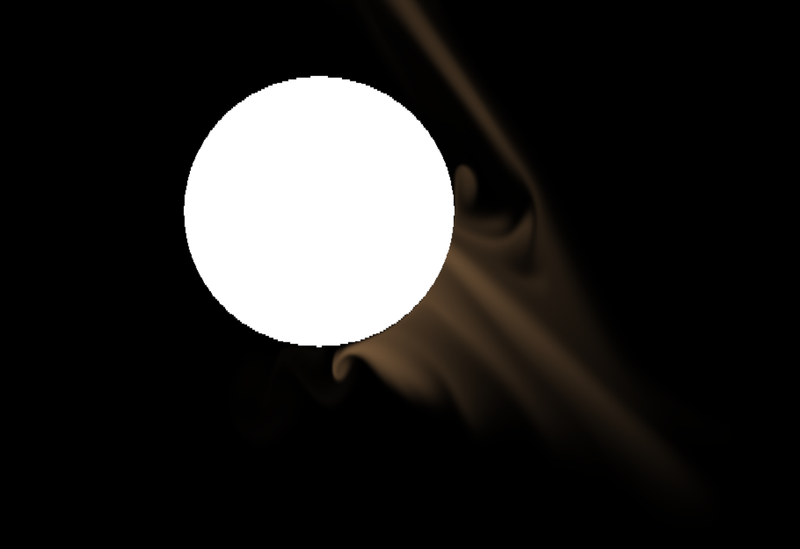
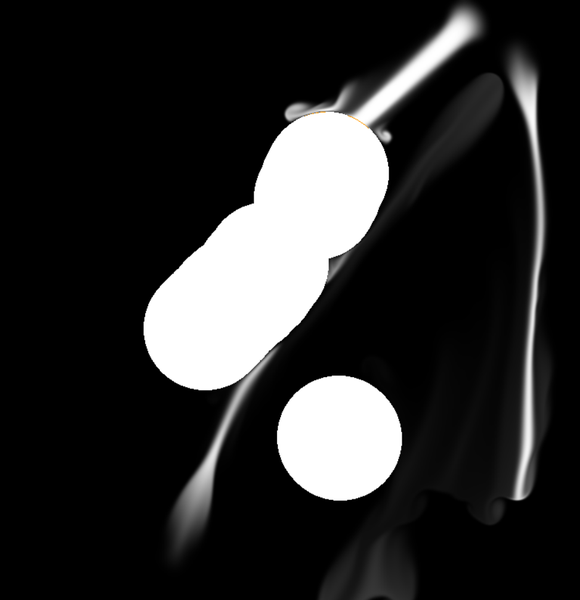
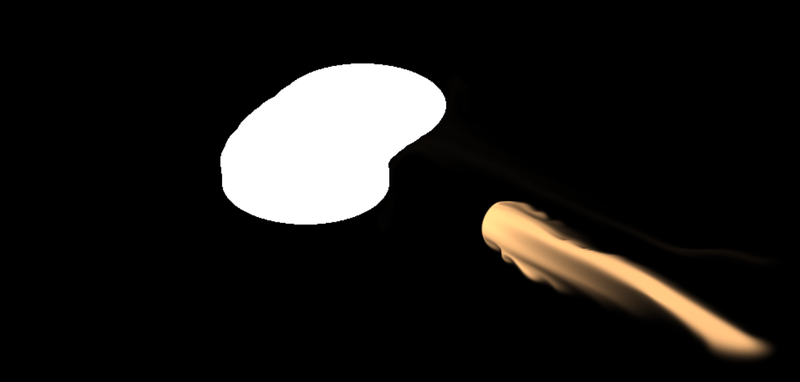
Below is a grayscale image, with orange highlights where the density field interacts with the obstacle field. Not bad for an AI (under some selective guidance).
taby
taby

There is one problem. The simulation is apparently square, and when the window is widescreen, it is squashed/stretched.

Any ideas on how to go about fixing that?

taby
taby

I fixed it, but now the mouse position is messed up on the y axis… looks good on the x axis.

taby
taby

Right on. I got it working. I'm going to submit it to Code Review Stack Exchange.

taby
taby

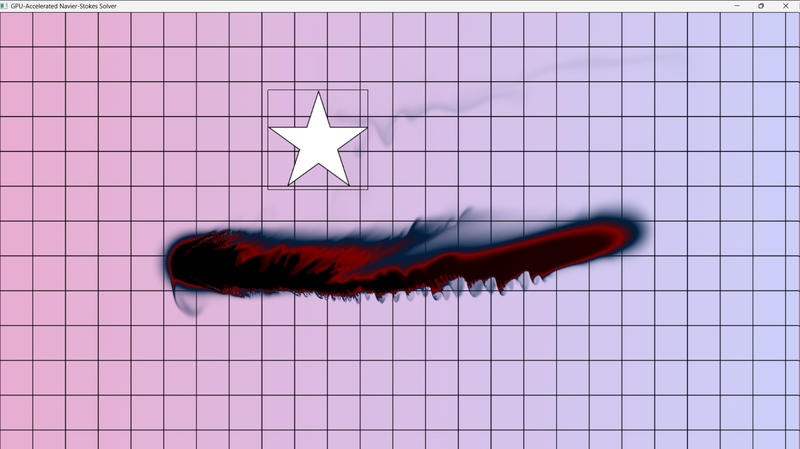
I added in code and data for a colour texture, which advects and diffuses like the density texture. This way I can visually differentiate between enemy fire and friendly fire. Claude helped.

JoeJ
JoeJ

At one point i got Zebra shadows by accident. Looked fluidy in motion. : )

taby
taby
taby
taby

I have a bug, and I've noticed it in another OpenGL app that I wrote that I had the same problem. Basically, the sprites (e.g. stamps) are drawn too small, and not 64x64 pixels like they should be.

I am 95% sure that the following code is where the problem lies:

const char* stampObstacleFragmentShader = R"(
#version 330 core
uniform sampler2D obstacleTexture;
uniform sampler2D stampTexture;
uniform vec2 position;
uniform vec2 stampSize;
uniform float threshold;
out float FragColor;

in vec2 TexCoord;

void main() 
{
    // Get current obstacle value
    float obstacle = texture(obstacleTexture, TexCoord).r;
    
    // Calculate coordinates in stamp texture
	vec2 stamp_size = textureSize(stampTexture, 0)/2.0;

    vec2 stampCoord = (TexCoord - position) * textureSize(obstacleTexture, 0) / stamp_size + vec2(0.5);

    vec2 adjustedCoord = stampCoord;

	ivec2 obstacle_tex_size = textureSize(obstacleTexture, 0);    

	float aspect_ratio = float(obstacle_tex_size.x) / float(obstacle_tex_size.y);

    // For non-square textures, adjust sampling to prevent stretching
    if (aspect_ratio > 1.0) {
        adjustedCoord.x = (adjustedCoord.x - 0.5) / aspect_ratio + 0.5;
    } else if (aspect_ratio < 1.0) {
        adjustedCoord.y = (adjustedCoord.y - 0.5) * aspect_ratio + 0.5;
    }    

	stampCoord = adjustedCoord;

	
	// Keep the stamps square
	if(aspect_ratio > 1.0)
		stampCoord *= aspect_ratio;
	else
		stampCoord /= aspect_ratio;


	// Why do I need to perform a scale?
	// stampCoord /= 1.5;


    // Check if we're within stamp bounds
    if (stampCoord.x >= 0.0 && stampCoord.x <= 1.0 && 
        stampCoord.y >= 0.0 && stampCoord.y <= 1.0) {
        
        // Sample stamp texture (use first channel for grayscale images)
        //float stampValue = length(texture(stampTexture, stampCoord).rgb) / 1.732; // Normalize RGB length
        
		float stampValue = texture(stampTexture, stampCoord).a;

        // Apply threshold to make it binary
        stampValue = stampValue > threshold ? 1.0 : 0.0;
        
        // Combine with existing obstacle (using max for union)
        obstacle = max(obstacle, stampValue);
    }
    
    FragColor = obstacle;
}
)";

Can you see why it doesn't render the sprite as 64x64?

The whole code is at:

https://github.com/sjhalayka/navier-stokes/blob/main/main.cpp

Thanks for any ideas.

taby
taby

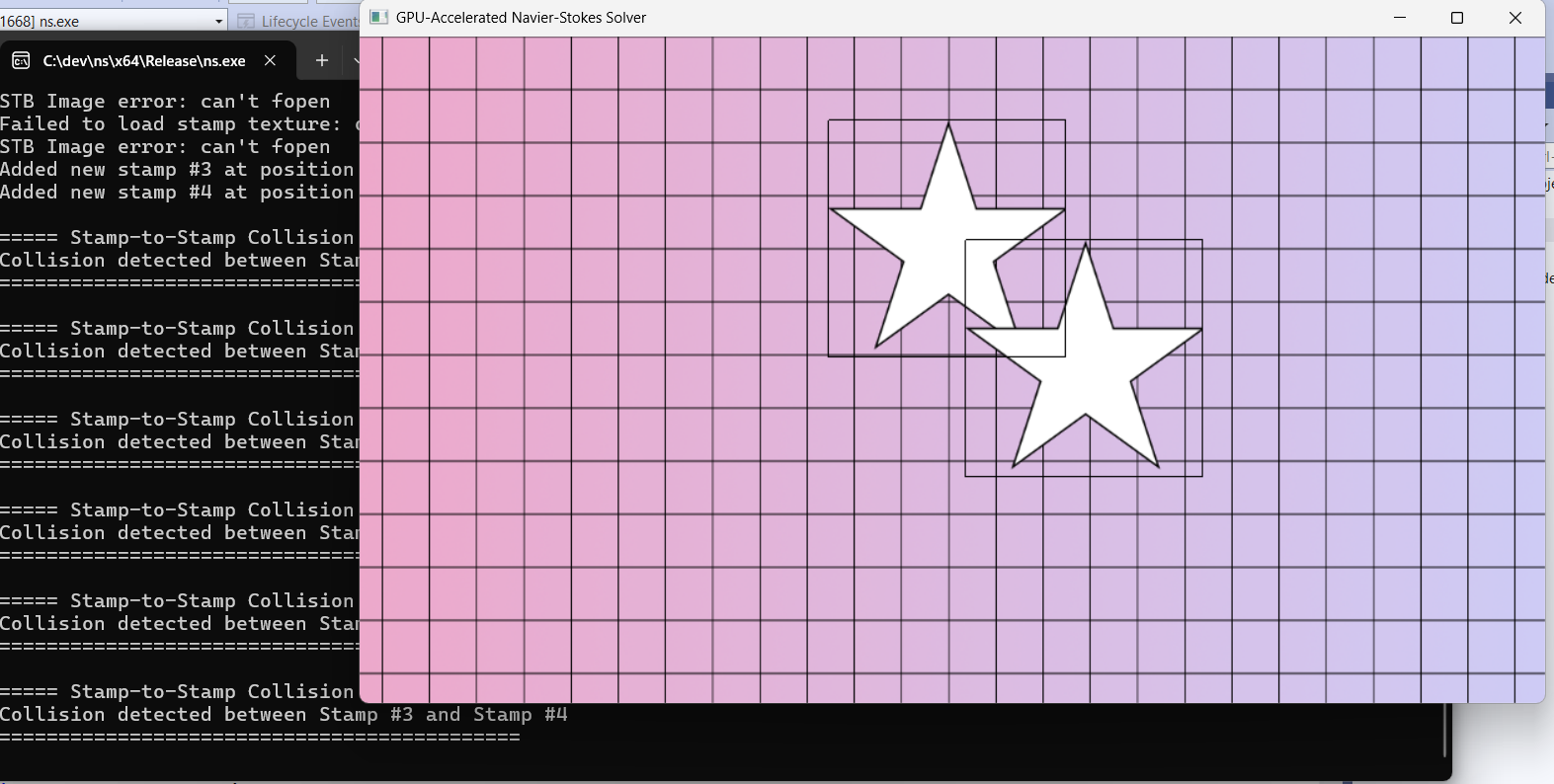
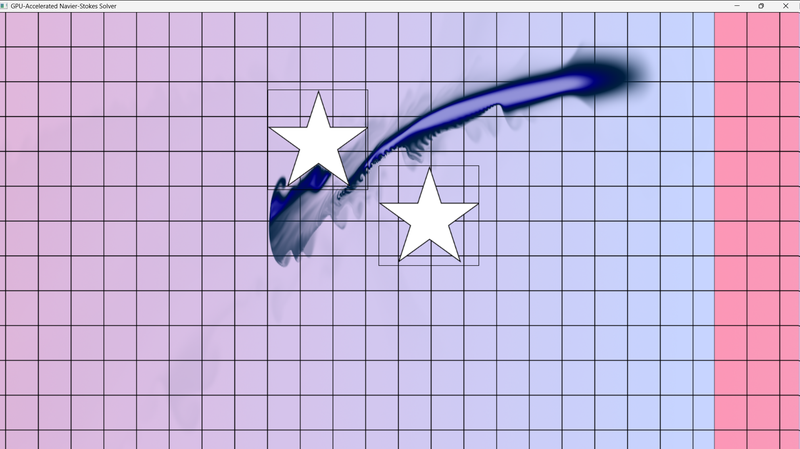
I've got fluid-sprite collision detection working, along with sprite-sprite collision detection.

The next step is to add force and colour to the fields based on the location and velocity of each bullet.

JoeJ
JoeJ

taby said:
The next step is to add force and colour to the fields based on the location and velocity of each bullet.

How do you represent color, and how does it change by what?

And, seems you have an idea to make a fluid game. I guess those stars should bounce off each other, and the fluid makes them flow and rotate. That's intersting. I have not seen such game yet.

But there is a problem, and i can tell what things i have tried related to that.
The problem is the boundary of the simualtion. It kills everything intersting, and damps all the fluidy swirls of our imagination away, leaving us with boring nothingness.
We have two options here. A static boundary, like the edge of a swimming pool. Ther are no tornados or river flows in those pools because of that. Boring.
Much better is a ‘periodic’ baundary. (There are proper terms for those boundary conditions, but i have forgot them : ) I mean, what flows out left, comes back from the right. So you can make a stream actually.
But the stream can only have one global direction, which is still boring.
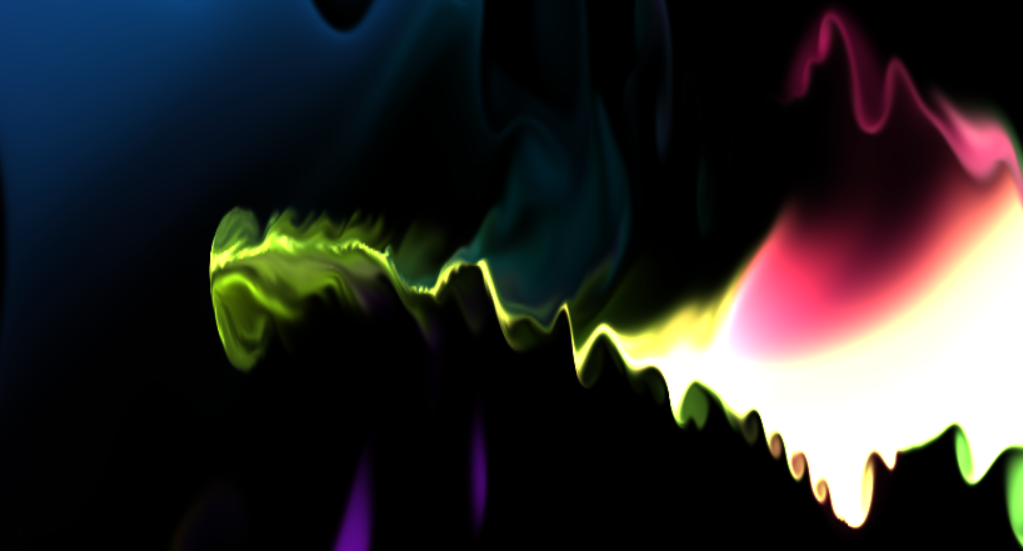
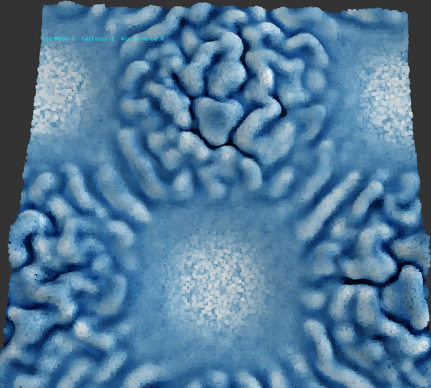
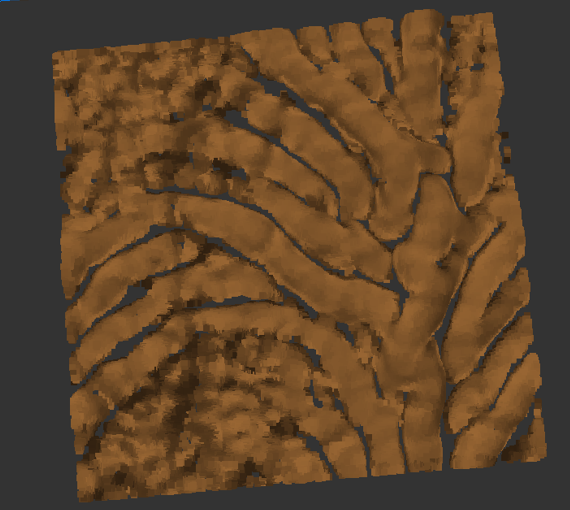
So i tried to add external force, actually using a procedural vector field. It's easy to create such field from sines, or tiling noise function, etc.
You can see the low frequency sines in those images, now that you know:

There is the intersting high frequency details from the fluid simualtion, but there is also artistic control of the flow on the low frequencies.
That's pretty promising for my goal of procedural generation, but i guess you could do similar things to design fluidy levels for a game, eventually, beside obvious ideas such as sources and sinks, explosions, etc.


JoeJ
JoeJ

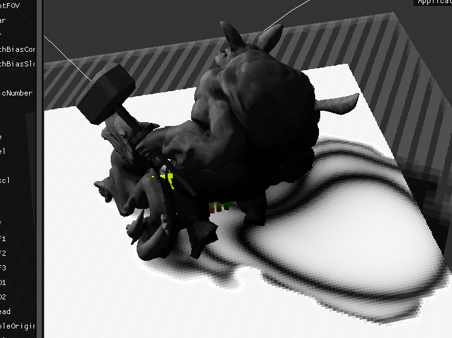
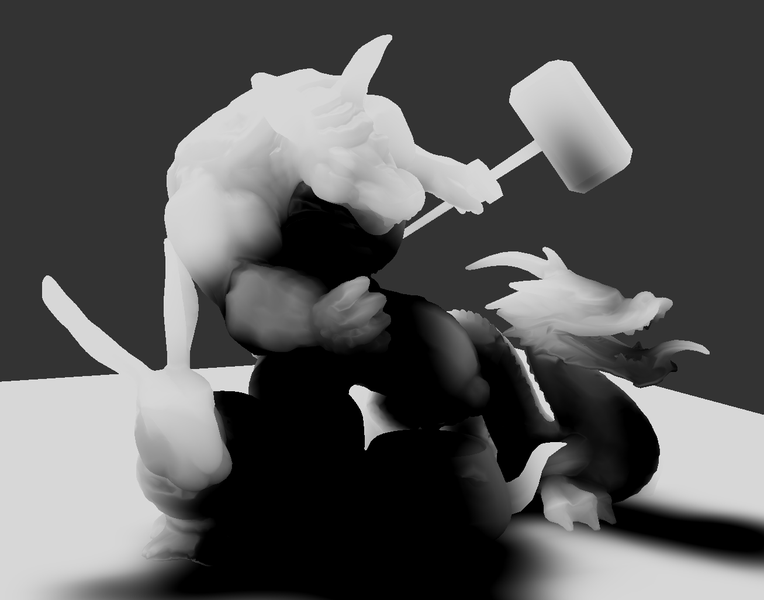
I need to hijack your thread with more unrelated images. Look:

This looks awesome, no?
Looks like fancy translucency shaders of glossy material, no?
But no. There is no lighting at all in this image, and no transparency either. It's only the shadow on white geometry. And the gloss is actually an artifact due to slope bias. :D

I sink way too much time into those damn shadow maps, but there is only one unacceptable artifact left…
(Last time when i was so confident, it turned out failure and i was back at the start two days later.)

taby
taby

That looks awesome man!

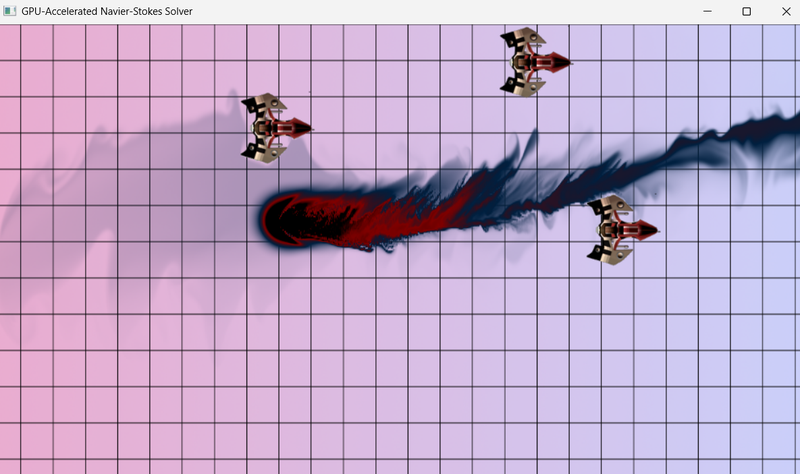
The colour field (texture) stores a density (single float). There is a colour field for both red (ally) and blue (enemy) fire. I also add force too, to give velocity to the fluid.

Here are the red and blue fire:

taby
taby

I've got a bug in the fluid-stamp collision detection (it detects a hit, but it fails to determine which colour it is).

Looking good otherwise though:

JoeJ
JoeJ

Hmm, link does not work. Elon broke twitter, but seems he wont stop there.
I still wanna know how you do the color.

I could not fix the final artifact, which is actually peter panning on walls normal to the lights projection plane:

Looks really bad, but happens rarely.
I mean, i could fix it:

But if i do this, the glossy glow becomes really bad:

This is not acceptable, and happens everywhere.
So i'll have to accept the peter panning on the wall instead. : (

To make my fix work, i would need to give the shading normal, but also the variance of the normal. So if variance is high like on the dragon face, the fix could be faded out. But i would need this variance over multiple spatial frequencies, so i can fit it to a shadow mip map. It's not worth to add such data to the meshes.

So in the end i could solve variance leaks without new data, which according to everybody, is unsolvable.
But i could not solve peter panning. Thus i declare Peter to be the new and old king of shadow map frustration. \:D/

Edit: Self correction - it's called ‘shadow acne’, not ‘peter panning’.
There seems to be the claim that those things do not happen with VSM or ESM. But they do, and kind of slope bias is required for those techniques too. Sadly there is a singualrity on right angles, and a slope bias can't be constructed in those areas.

JoeJ
JoeJ

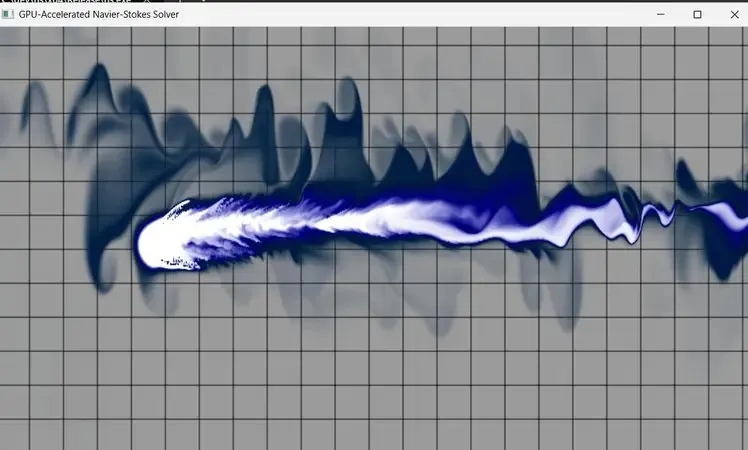
The collisions cause high frequency ripples. Looks like the response generates energy, which would be a bug.

taby said:
Which API are you using for your graphics? I decided stick with OpenGL 3, so that it'll be sort of easy to convert it to OpenGL ES 3, I hope.

Vulkan. I did some complex stuff with it for the shadows - a SM atlas to render multiple lights into, a compute shader to generate mip maps, which are then stored in a second atlas to be cached. So i have some experience now with graphics pipeline. And it is as expected. Complicated, cumbersome, and hard to maintain and abstract. But so far i could make everything work the way i wanted. It's a terrible mess though, and i need to refactor and clean up, meh…

I still say the same as before: Use low level APIs only if you have a reason. Too time consuming otherwise.

taby
taby

The only big change to the NS solver is that velocity drops to zero when hitting an obstacle instead of being negated.

JoeJ
JoeJ

taby said:
velocity drops to zero when hitting an obstacle instead of being negated.

Sudden stop also is an illegal injection of energy. But iirc i did such illagal stuff all the time, and it worked ok for my needs.

So maybe it's not about energy, but about the direction of cancelled velocity. If it's snapping to the pixel grid, this might well explain the HF artifacts. Also because divergence of the velocity field would be very high around snapping discontinuities.
Personally i calculate this ‘contact normal’ from the gradient of obstacle density.
But there are many ways to calculate a gradient:
Using two points, differntiated with the center. That's really bad quality.
Using 4 points around the center, forming two directions. Better, but still casues grid aligned artifacts.
Using 8 points, so the diagonals are covered too. This is good quality and in my experience usually avoids grid artifacts.

taby
taby

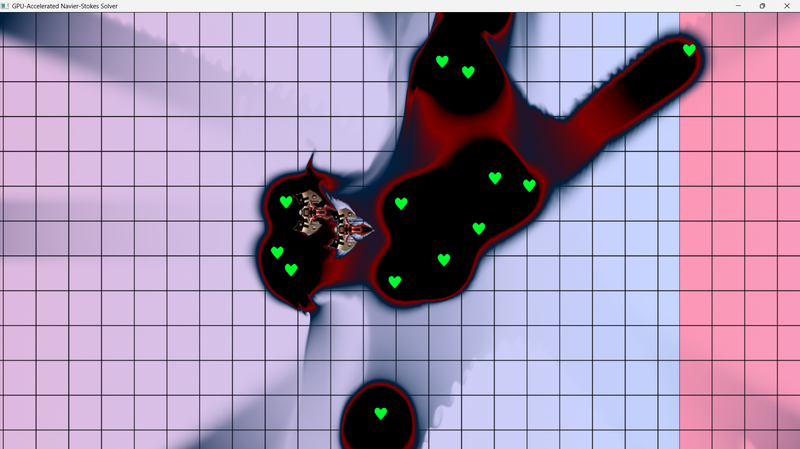
Bullets are heart-shaped.

I don't really care about energy conservation. As it stands, the total colour is reduced over time, so it fades away in an illegal loss of energy. It's my universe, I can create the rules. LOL

Topic Locked

This topic has been locked by a moderator. New replies are not allowed.

Sign in to reply to this topic.