
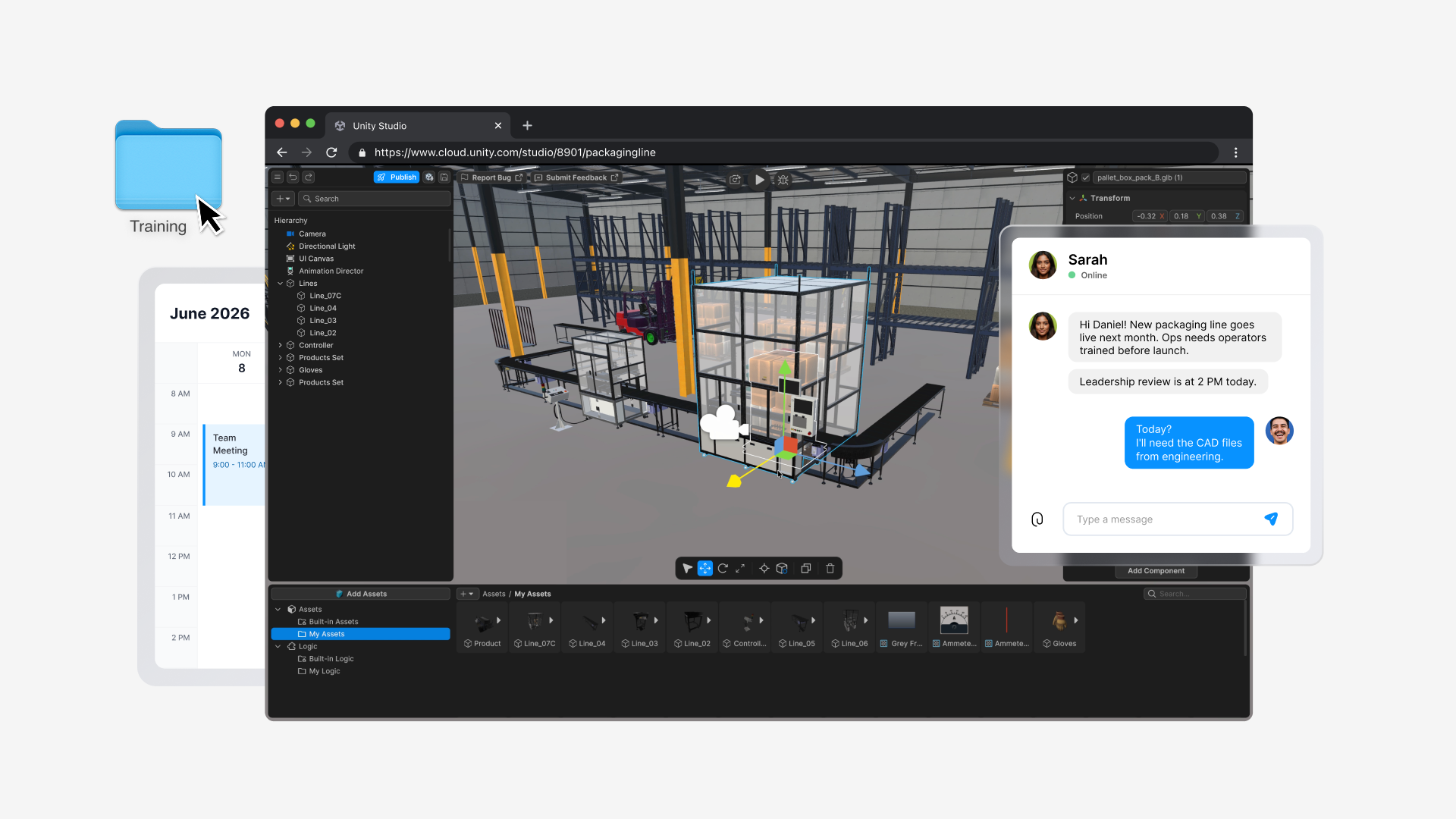
A day in the life of a training designer building interactive 3D — without waiting on specialized simulation teams
Unity is positioning Unity Studio as a way for non-specialist training teams to create interactive 3D experiences directly in the browser. The workflow starts with importing existing CAD-derived assets, then layering guided steps, prompts, warnings, and branching logic through visual scripting instead of code.
The practical change is less about flashy visuals and more about removing the usual bottlenecks: no dedicated simulation team, no special hardware setup, and no long handoff between design, engineering, and review. In the example, a training designer turns a new packaging line into a navigable 3D environment, adds safety checks and fault handling, then shares a live link with subject matter experts for same-day feedback.
That matters because training content often lags behind real production processes. When procedures change quickly, static slides and videos age badly, while interactive modules can be updated and republished faster. For teams building onboarding, safety, or equipment training, the appeal is obvious: prototype sooner, validate with operators earlier, and reduce the cost of late-stage revisions.
The broader implication for game developers is familiar: tools that collapse the gap between authoring and deployment tend to shift who can build interactive content. Here, the audience is enterprise training rather than players, but the underlying problem is the same one many studios face with internal tools and simulation work—how to let domain experts iterate without turning every change into a programming task.
“No waiting for engineering support”
- what
- Unity Studio is being used to build browser-based interactive 3D training from existing CAD assets, with visual scripting for branching scenarios and feedback.
- who
- The example centers on Daniel, a fictional manufacturing training designer, using Unity Studio from Unity.
- when
- The scenario spans a single workday, with a leadership review scheduled for the same afternoon and pilot training planned for the following week.
- impact
- The workflow cuts dependence on specialized simulation teams and lets training designers prototype, review, and revise interactive lessons much faster.
Tooling lowers iteration friction and review delays.
Follow Unity updates
See relevant stories in your personalized news feed.
Discussion