
Aspect-Correct Coordinates
by GameDev.net · GLSL ES 3.00 (WebGL2) · 25 Aug 2026
Run the shader to adjust these controls.
What it demonstrates
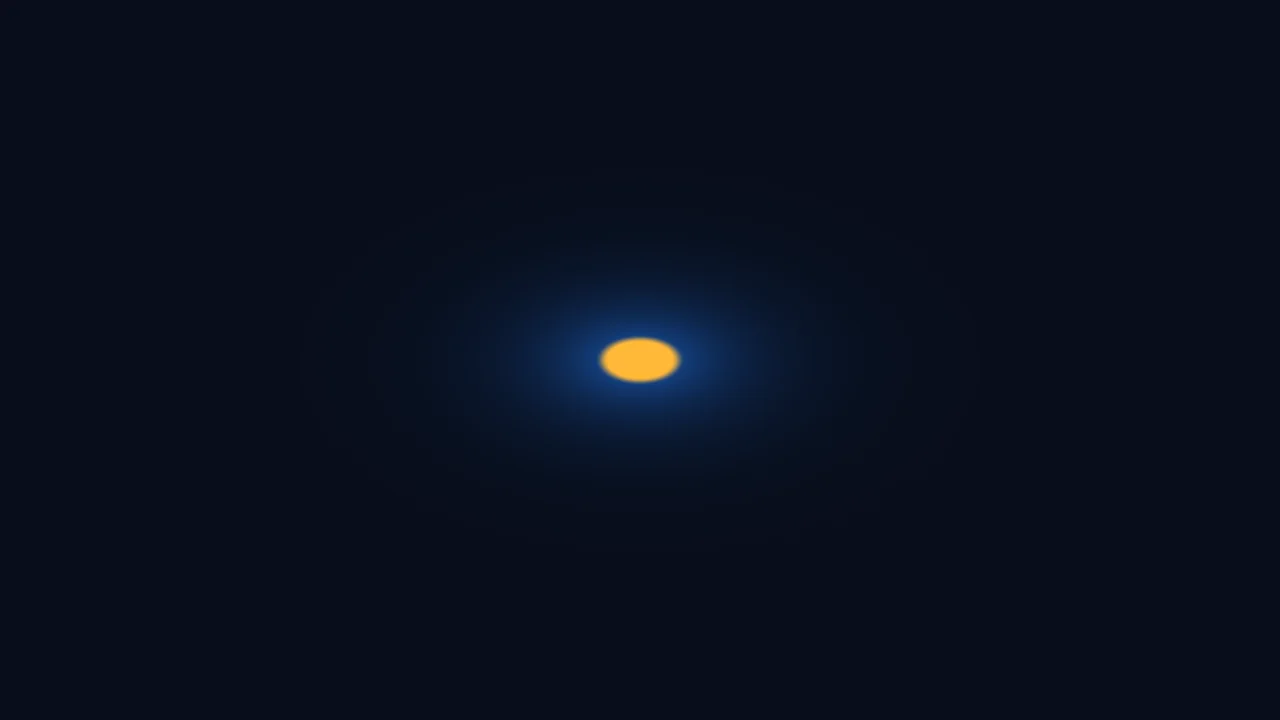
Normalized coordinates do not automatically give equal visual units on both axes. This example draws a distance-based circle and provides a checkbox that compares raw normalized space with an aspect-correct space. On a wide viewport, disabling correction stretches the circle into an ellipse.
Shader inputs
void mainImage(out vec4 fragColor, in vec2 fragCoord)
Called once per pixel. Write the colour to fragColor.
-
iResolutionvec3 - Viewport size in pixels (z is the pixel aspect ratio).
-
iTimefloat - Seconds since the shader started.
-
iTimeDeltafloat - Seconds since the previous frame.
-
iFrameRatefloat - Frames per second, smoothed.
-
iFrameint - Frames rendered since the start.
-
iMousevec4 - Mouse position: xy while held, zw of the last click.
-
iDatevec4 - Year, month, day, and seconds within the day.
-
iChannel0sampler2D - Texture bound to channel 0.
-
iChannel1sampler2D - Texture bound to channel 1.
-
iChannel2sampler2D - Texture bound to channel 2.
-
iChannel3sampler2D - Texture bound to channel 3.
-
iChannelResolutionvec3[4] - Pixel size of each bound channel texture.
-
iChannelTimefloat[4] - Playback time of each channel, in seconds.
-
iSampleRatefloat - Audio sample rate, always 44100.
Main Image5
uniform bool uCorrectAspect; // @param = 1 "Correct aspect ratio"
void mainImage(out vec4 fragColor, in vec2 fragCoord) {
vec2 centered = fragCoord / iResolution.xy - 0.5;
vec2 displaySpace = centered;
if (uCorrectAspect) {
displaySpace.x *= iResolution.x / iResolution.y;
}
float radius = length(displaySpace);
float circle = 1.0 - smoothstep(0.24, 0.255, radius);
vec3 color = mix(vec3(0.04, 0.06, 0.10), vec3(0.20, 0.78, 0.96), circle);
fragColor = vec4(color, 1.0);
}
Learn from this shader
How it works
The shader first normalizes pixel coordinates and subtracts one half, placing the origin at the viewport center. Both resulting axes span the same numeric range, but one unit along x covers the viewport width while one unit along y covers its height. When correction is enabled, x is multiplied by width divided by height. A horizontal shader-space unit then covers the same number of screen pixels as a vertical unit. length measures radial distance in that corrected space, and smoothstep turns the distance into a circle with a narrow soft edge.
Try changing
Resize the preview while toggling Correct aspect ratio. Replace the width-over-height multiplier with its reciprocal and predict the distortion. In a fork, divide both centered coordinates by iResolution.y directly, or change the radius thresholds to study how size and edge softness are separate concerns.
Using it in a game
Aspect correction matters for full-screen reticles, radial transitions, procedural UI shapes, and screen-space particles. A material using mesh UVs may not need this exact correction. In an engine, use the render target or viewport dimensions supplied by that pipeline rather than assuming ShaderLab uniform names are available.
Explore the techniques
Continue with curated explanations and progressively related examples.
-
 Explained
GLSL
Explained
GLSL
-
 Explained
GLSL
Explained
GLSL
-
 Explained
GLSL
Explained
GLSL

Discussion