
Testing layered sprites feature

So far, GAME1 engine had the possibility to show “lot's of sprites”,
but there was no easy way to control which sprite was displayed in front of which sprite. Making it a lot of work to do psuedo 3d effects.
What you could do, was having several "SpriteMovers", and render them manually, in the right order, the SpriteMover which contains sprites in front would be drawn last.
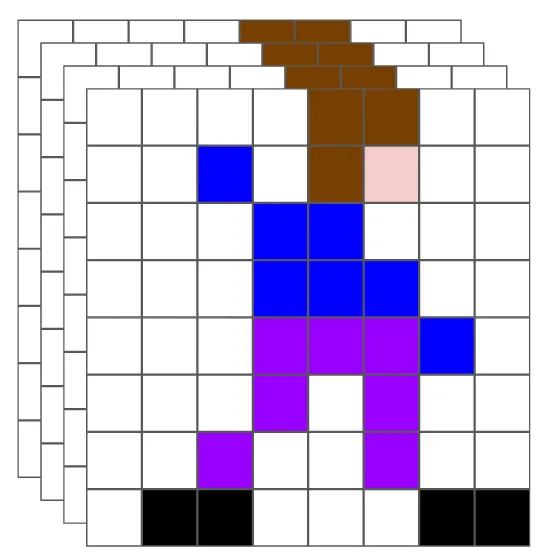
The first solution I had in mind, was to have the sprite mover object, draw sprites in the correct order.
Instead I opted for a new object called SpriteLayers.
The advantages are here that not all sprites need to be sorted all the time. Instead sprites can be “sent forward”, or “sent back”, or sent to a special layer, something like
a sprite "bird", that lands, can be moved from “fly”-layer, to “walk”-layer.
Also in most cases you don't need specific control of a sprites"depth". If you have 100 people sprites walking on the ground, overlapping is usually something to be avoided, or not cared about.
The video below shows off having many sprites, and many layers.
Feel free to comment or ask any questions
Any feedback appreciated.
Thanks
/CKs
Discussion