GameDev.net gamedev.net
🔒 Locked

My GameCube Game Development Studio Setup

Started by Cyndanera Apr 14 at 3:49 AM 7 replies 1.5k views
Original Post
Cyndanera
Cyndanera

Here's my Studio setup for game development on the Nintendo GameCube\Wii.


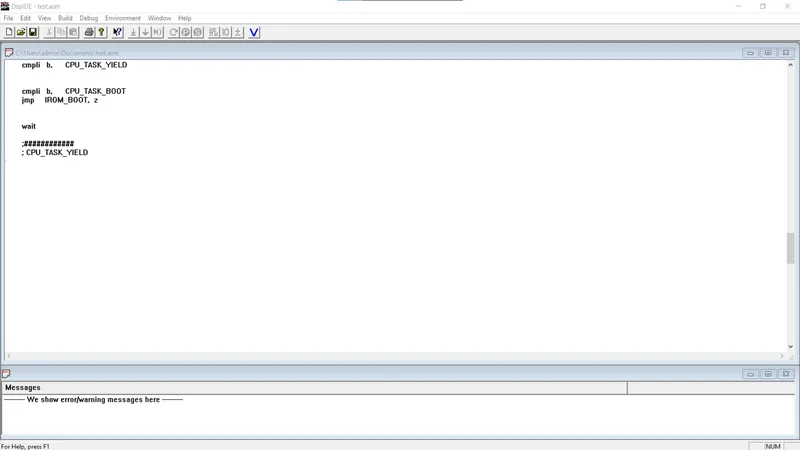
My engine, game code is written in C\C++ and my audio DSP microcode is written in Assembly.
Adobe CS6 Suite for textures, images, video editing, etc.
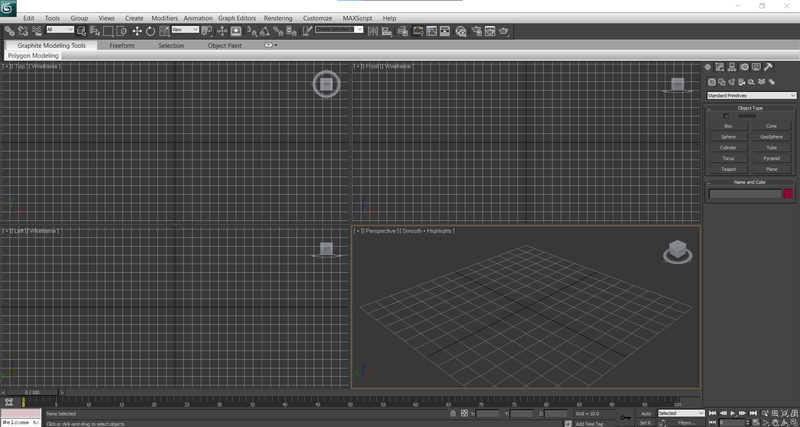
Autodesk 3dsmax 2011 for modeling, animating, used as a level editor with a custom plugin developed with the MaxSDK (C\C++) and MaxScript.

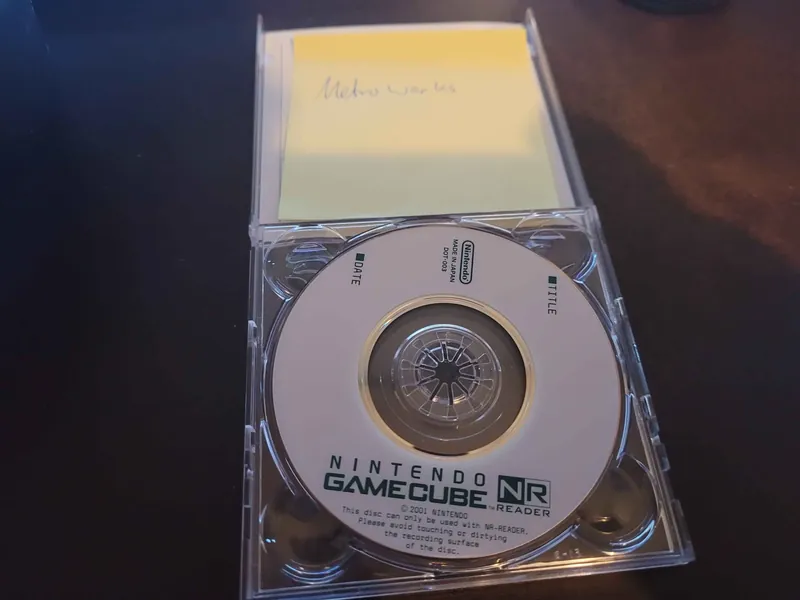
A MIDI GCN Adapter is planned in development to allow musicians and sound designers to connect a keyboard to the SN-TDEV or NR Reader for music composition and related audio work, by connecting it to serial controller port of the console.

I have my own audio system with custom dsp microcode for the audio driver. As for the FMV playback lib it uses MPEG 2 video instead of JPEG + custom DSP microcode for audio decoding logic.
I use a custom inhouse internal engine written in C\C++ designed for my games, GameCube\Wii hardware and the SN Systems Tools + USB2 cable.

you can read about my audio engine blog I wrote here - Inhouse Audio System

Macronix Audio DSP Toolkit:

  • DSP IDE & Simulator – For writing, testing, and debugging DSP microcode in a virtual environment.

  • DSP Assembler – Converts assembly source code into machine instructions for the DSP.

  • DSP Linker – Links multiple object files and resolves addresses for DSP execution.

  • hex2bin – Converts hexadecimal output files into binary or C format for loading onto the DSP.

  • mxhex2h – Converts DSP hex files into C header files for integration with CPU-side code.


Metrowerks Codewarrior for GameCube Toolkit:

  • Codewarrior IDE - Development, Debugging

  • Toolchain - C\C++ Compiler, Assembler, Linker

  • COMUtil - Distributed Server


SN Systems for GameCube Toolkit:

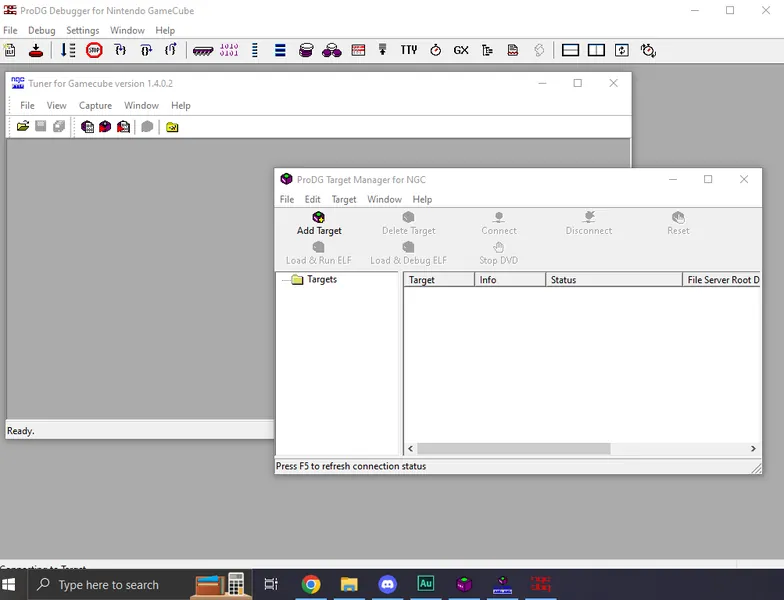
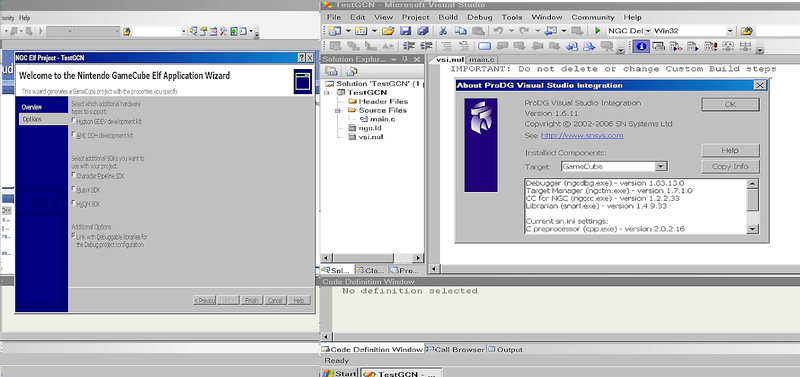
  • ProDG - Development + Scripting + Visual Studio 2005

  • Tuner - Performance optimizer

  • SN-DBS - Distributed builds

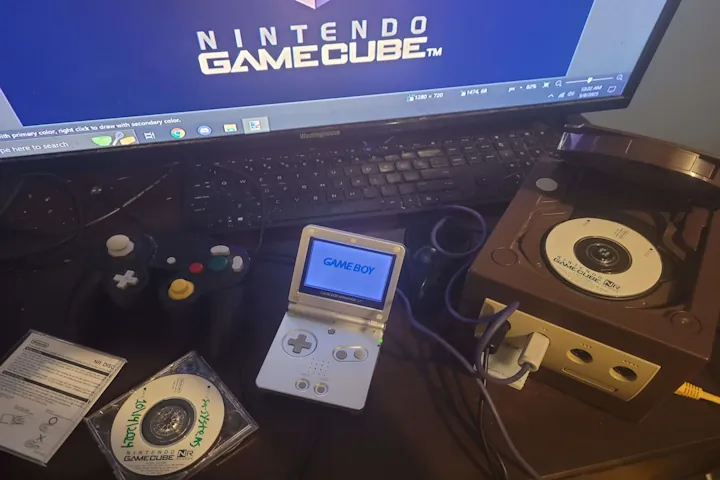
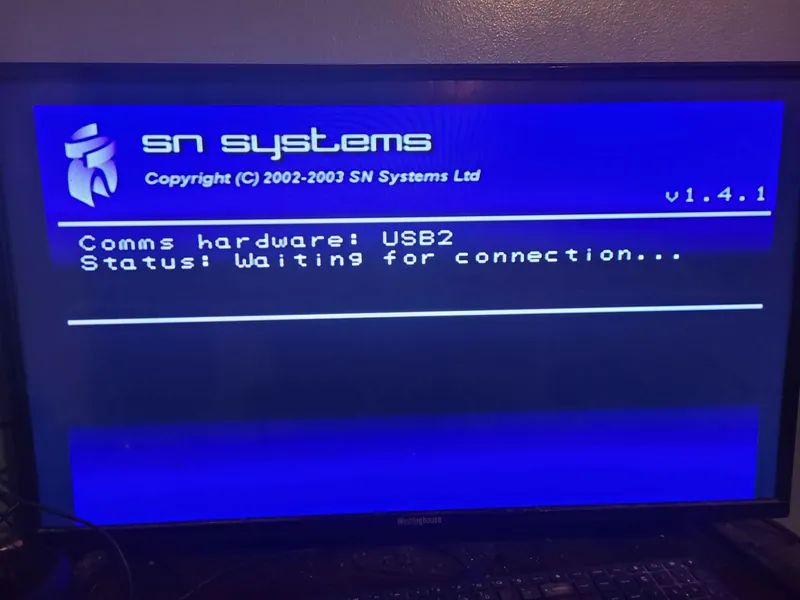
  • SN-TDEV - Development kit + custom USB 2.0 Cable

  • ProView - Artist preview

Sign, Cyndanera
Cyndanera
Cyndanera

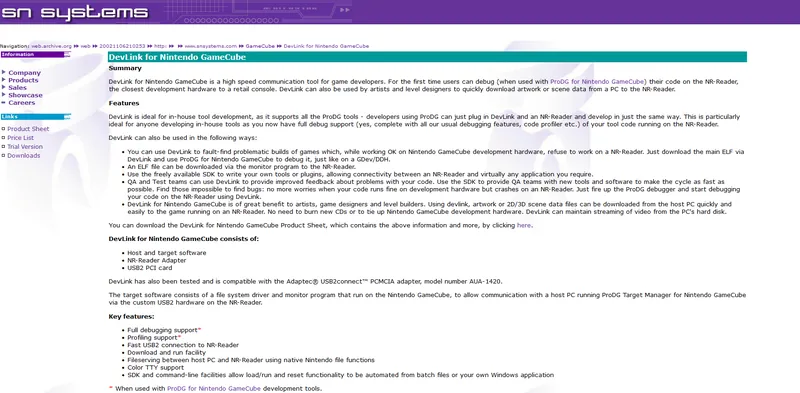
SN-TDEV is a cost-effective hardware platform for developing games for the Nintendo GameCube. When used with ProDG, game programmers can debug their code on the new TDEV console, which is the closest development hardware to a retail console, with the additional benefit of 48 MB of RAM. Optical disc emulation is supported, using Nintendo's standard DVD functions and without any modifications to your source code. SN-TDEV uses SN Systems fast USB2 connection with peak read and write speeds of 3 MB/s (24 Mbits/s).


Features and Benefits

SN-TDEV is supplied with host and target software. The host software, Target Manager, provides facilities for loading and running ELFs. The target software (supplied on a DVD-ROM) is used to boot the console and control communications with the host software.

  • Debugging support

  • Download and run game code

  • Extensive optical disc emulation

  • Full fileserving support

  • TTY output (with color support)

  • SDK and command-line facilities

  • Reduced hardware costs

  • Fast USB2 connection

  • Extra Memory


Parts list

SN-TDEV consists of:

  • TDEV console and controller

  • Host and target software (CD-ROM and NR Disc)

  • USB2 adapter and cable (custom)

  • USB2 PCI card

Sign, Cyndanera
Cyndanera
Cyndanera

nes8bit wrote:

That is really cool! Got any vids of any of it in action?

I will soon. 😀

Sign, Cyndanera
Cyndanera
Cyndanera

nes8bit wrote:

That is really cool! Got any vids of any of it in action?

got it working with the SN Systems TDEV - GameCube
Via USB 2.0 connection :)

Sign, Cyndanera
Cyndanera
Cyndanera

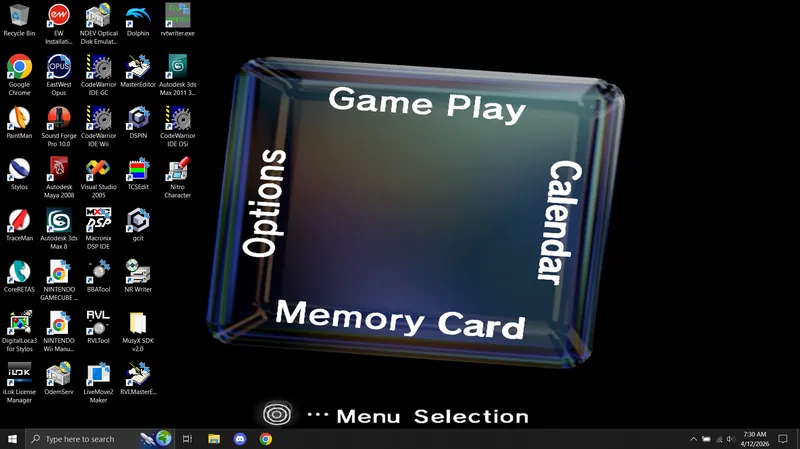
Nintendo GameCube Network Config Menu the game uses for the Broadband Adapter. 😉

Sign, Cyndanera
Cyndanera
Cyndanera

SN Systems TDEV: Running Metrowerks Boot NR-Disc IPL In Production Mode 🙂

This video showcases a Nintendo GameCube development setup using an SN Systems TDEV unit running a Metrowerks boot disc in BIOS or aka IPL production mode.

The system shown here is configured as a development/testing environment, demonstrating how official GameCube dev hardware behaves outside of standard retail conditions. The Metrowerks boot nr-disc was commonly used with CodeWarrior toolchains for compiling and testing software during development.

In this demo:

SN Systems TDEV (GameCube dev hardware aka GameCube with 48MB RAM & NR Drive)
Metrowerks boot disc execution
BIOS running in production mode

This is for preservation, documentation, and educational purposes—highlighting how GameCube development workflows functioned behind the scenes.

Sign, Cyndanera

Topic Locked

This topic has been locked by a moderator. New replies are not allowed.

Sign in to reply to this topic.