
Julia Set Explorer
by GameDev.net · GLSL ES 3.00 (WebGL2) · 25 Aug 2026
Run the shader to adjust these controls.
What it demonstrates
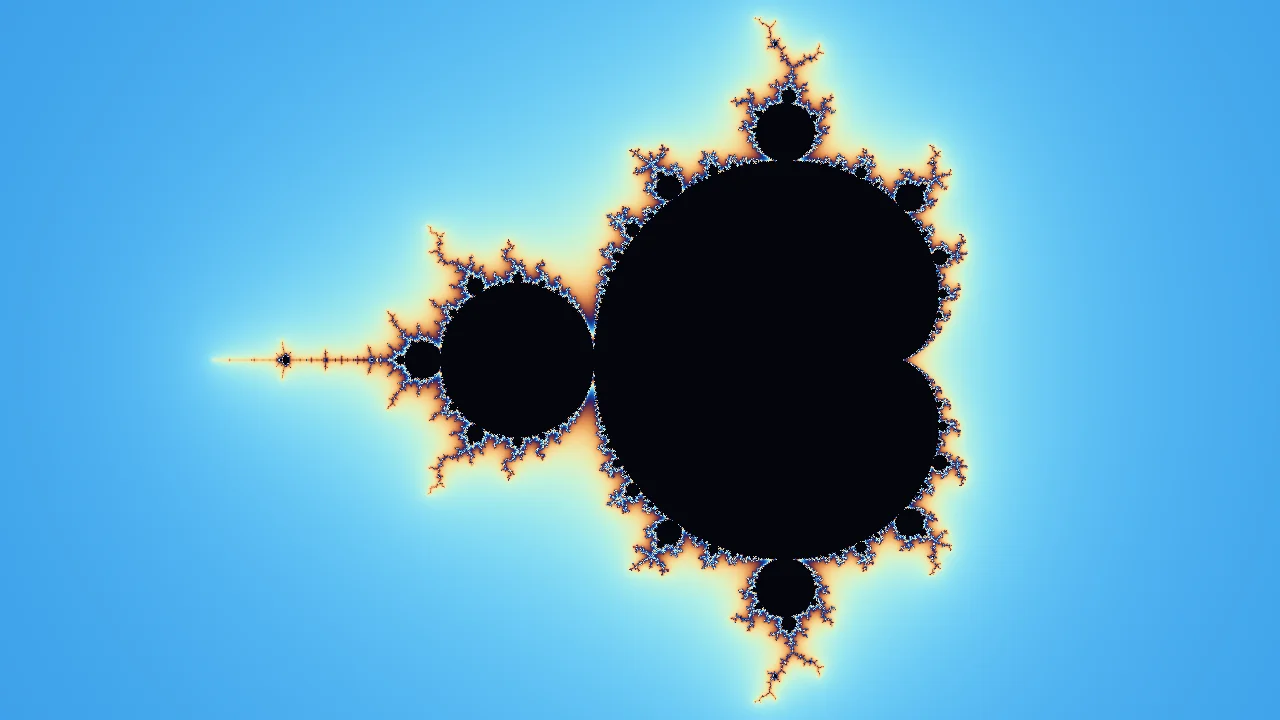
A Julia set runs the same iteration as the Mandelbrot set with one difference: the constant is fixed for the whole image and the starting point is what varies per pixel. Swapping which of the two values comes from the screen turns one picture into an infinite family of them, and moving the constant continuously animates between shapes that look unrelated.
Shader inputs
void mainImage(out vec4 fragColor, in vec2 fragCoord)
Called once per pixel. Write the colour to fragColor.
-
iResolutionvec3 - Viewport size in pixels (z is the pixel aspect ratio).
-
iTimefloat - Seconds since the shader started.
-
iTimeDeltafloat - Seconds since the previous frame.
-
iFrameRatefloat - Frames per second, smoothed.
-
iFrameint - Frames rendered since the start.
-
iMousevec4 - Mouse position: xy while held, zw of the last click.
-
iDatevec4 - Year, month, day, and seconds within the day.
-
iChannel0sampler2D - Texture bound to channel 0.
-
iChannel1sampler2D - Texture bound to channel 1.
-
iChannel2sampler2D - Texture bound to channel 2.
-
iChannel3sampler2D - Texture bound to channel 3.
-
iChannelResolutionvec3[4] - Pixel size of each bound channel texture.
-
iChannelTimefloat[4] - Playback time of each channel, in seconds.
-
iSampleRatefloat - Audio sample rate, always 44100.
Main Image8
uniform vec2 uConstant; // @param -1.0..1.0 = -0.54, 0.54 "Constant c"
uniform bool uOrbit; // @param = 1 "Orbit the constant"
uniform float uZoomExponent; // @param -1.0..6.0 = 0.4 "Zoom exponent"
uniform int uIterations; // @param 32..300 = 160 "Iterations"
void mainImage(out vec4 fragColor, in vec2 fragCoord) {
vec2 screen = (fragCoord - 0.5 * iResolution.xy) / iResolution.y;
float span = 3.0 / exp2(uZoomExponent);
vec2 z = screen * span;
vec2 c = uConstant;
if (uOrbit) {
float angle = iTime * 0.35;
c = 0.7885 * vec2(cos(angle), sin(angle));
}
float count = 0.0;
float trap = 1000.0;
for (int i = 0; i < 300; i++) {
if (i >= uIterations) break;
z = vec2(z.x * z.x - z.y * z.y, 2.0 * z.x * z.y) + c;
trap = min(trap, abs(z.y));
if (dot(z, z) > 65536.0) break;
count += 1.0;
}
if (count >= float(uIterations)) {
float interior = 1.0 - exp(-6.0 * trap);
fragColor = vec4(mix(vec3(0.02, 0.02, 0.06), vec3(0.10, 0.06, 0.22), interior), 1.0);
return;
}
float smoothCount = count + 1.0 - log2(max(log2(length(z)), 0.0001));
float t = fract(smoothCount * 0.075 + 0.15);
vec3 color = vec3(0.48, 0.52, 0.58) + vec3(0.42, 0.38, 0.34) * cos(6.2831853 * (t + vec3(0.0, 0.16, 0.32)));
fragColor = vec4(color, 1.0);
}
Learn from this shader
How it works
The fragment coordinate becomes the initial value of the iteration and the constant comes from a control. Orbiting drives that constant around a circle just outside the Mandelbrot boundary, which is where the visually interesting Julia sets live; inside the boundary they are solid, far outside they are dust. Escaped points are coloured by the same smooth iteration count used for the Mandelbrot explorer. The interior gets its own treatment: the loop records the closest the orbit ever came to the real axis, an orbit trap, and that distance shades the inside of the set instead of leaving a flat silhouette.
Try changing
Turn Orbit off and drag Constant c yourself. The transitions are the point: small moves near the boundary reorganise the whole set, while moves further out only thin it. Reduce Iterations and watch the fine filaments disappear first, since they are the slowest points to escape. In a fork, replace the orbit trap with the distance to the origin, or trace a path through the Mandelbrot set rather than a circle.
Using it in a game
Orbit traps are the transferable idea. Recording something about a path while iterating, then shading with it, is the same technique used for glow along a raymarched surface, interior shading of translucent materials, and heat maps of loop cost. The iteration itself is a demonstration piece rather than a shippable effect.
Explore the techniques
Continue with curated explanations and progressively related examples.
-
 Explained
GLSL
Explained
GLSL
-
 Explained
GLSL
Explained
GLSL
-
 Explained
GLSL
Explained
GLSL

Discussion