
Smoothstep and Antialiasing
by GameDev.net · GLSL ES 3.00 (WebGL2) · 25 Aug 2026
Run the shader to adjust these controls.
What it demonstrates
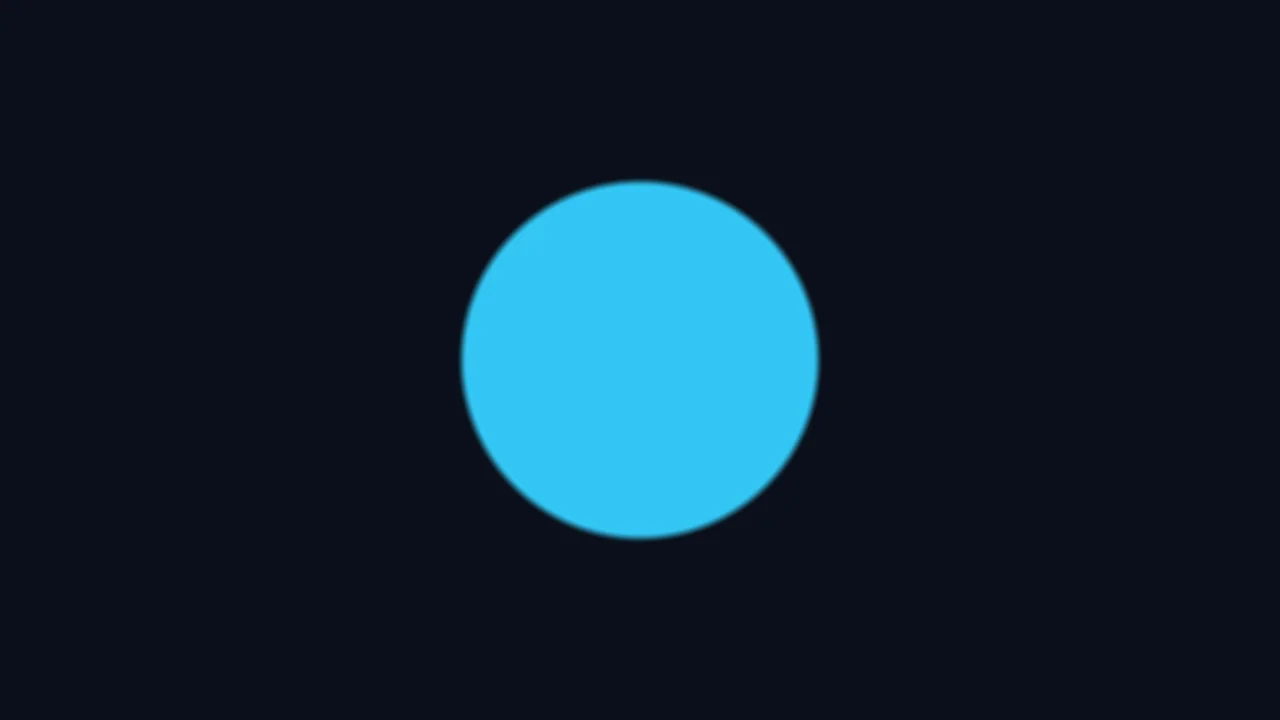
This shader explains why a mathematical shape needs a transition at its edge. It renders an aspect-correct circle from a signed distance and exposes edge width in pixels. The smooth coverage band reduces stair stepping while preserving a clear boundary.
Shader inputs
void mainImage(out vec4 fragColor, in vec2 fragCoord)
Called once per pixel. Write the colour to fragColor.
-
iResolutionvec3 - Viewport size in pixels (z is the pixel aspect ratio).
-
iTimefloat - Seconds since the shader started.
-
iTimeDeltafloat - Seconds since the previous frame.
-
iFrameRatefloat - Frames per second, smoothed.
-
iFrameint - Frames rendered since the start.
-
iMousevec4 - Mouse position: xy while held, zw of the last click.
-
iDatevec4 - Year, month, day, and seconds within the day.
-
iChannel0sampler2D - Texture bound to channel 0.
-
iChannel1sampler2D - Texture bound to channel 1.
-
iChannel2sampler2D - Texture bound to channel 2.
-
iChannel3sampler2D - Texture bound to channel 3.
-
iChannelResolutionvec3[4] - Pixel size of each bound channel texture.
-
iChannelTimefloat[4] - Playback time of each channel, in seconds.
-
iSampleRatefloat - Audio sample rate, always 44100.
Main Image5
uniform float uEdgeWidth; // @param 0.25..4.0 = 1.5 "Edge width (pixels)"
void mainImage(out vec4 fragColor, in vec2 fragCoord) {
vec2 p = (fragCoord - 0.5 * iResolution.xy) / iResolution.y;
float signedDistance = length(p) - 0.28;
float pixelWidth = uEdgeWidth / iResolution.y;
float coverage = 1.0 - smoothstep(-pixelWidth, pixelWidth, signedDistance);
vec3 outsideColor = vec3(0.035, 0.045, 0.075);
vec3 insideColor = vec3(0.95, 0.48, 0.18);
fragColor = vec4(mix(outsideColor, insideColor, coverage), 1.0);
}
Learn from this shader
How it works
Coordinates are centered and divided by viewport height, giving x and y equal screen scale. Subtracting the circle radius from length(p) produces a signed distance: negative inside, zero at the boundary, and positive outside. The Edge width control starts in pixels, but the distance field uses height-normalized units, so dividing by iResolution.y converts between them. smoothstep maps a band around zero into gradual coverage. Reversing that result gives one inside the circle and zero outside, with fractional values only near the edge. The mask then blends two opaque colors.
Try changing
Move Edge width from a narrow transition to a deliberately soft one and resize the preview. In a fork, replace the coverage expression with step(signedDistance, 0.0) to expose aliasing. Change the radius, render a thin ring using abs(signedDistance), or tint the transition band to see exactly which pixels receive partial coverage.
Using it in a game
Smooth distance thresholds are common in procedural UI, signed-distance fonts, decals, masks, and scalable icon rendering. Production shaders often use screen-space derivatives such as fwidth for adaptive antialiasing. The explicit pixel conversion here keeps the first lesson readable; choose derivative support and blend settings appropriate to your engine and target hardware.
Explore the techniques
Continue with curated explanations and progressively related examples.
-
 Explained
GLSL
Explained
GLSL
-
 Explained
GLSL
Explained
GLSL
-
 Explained
GLSL
Explained
GLSL

Discussion