
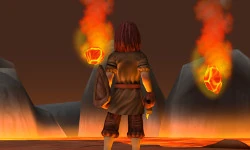
Making a Game with Blend4Web Part 6: Animation and FX
This article is about character modeling and animation, and also about creating the effect of the deadly falling rocks.
Character model and textures
The character data was placed into two files. The character_model.blend file contains the geometry, the material and the armature, while the character_animation.blend file contains the animation for this character. The character model mesh is low-poly: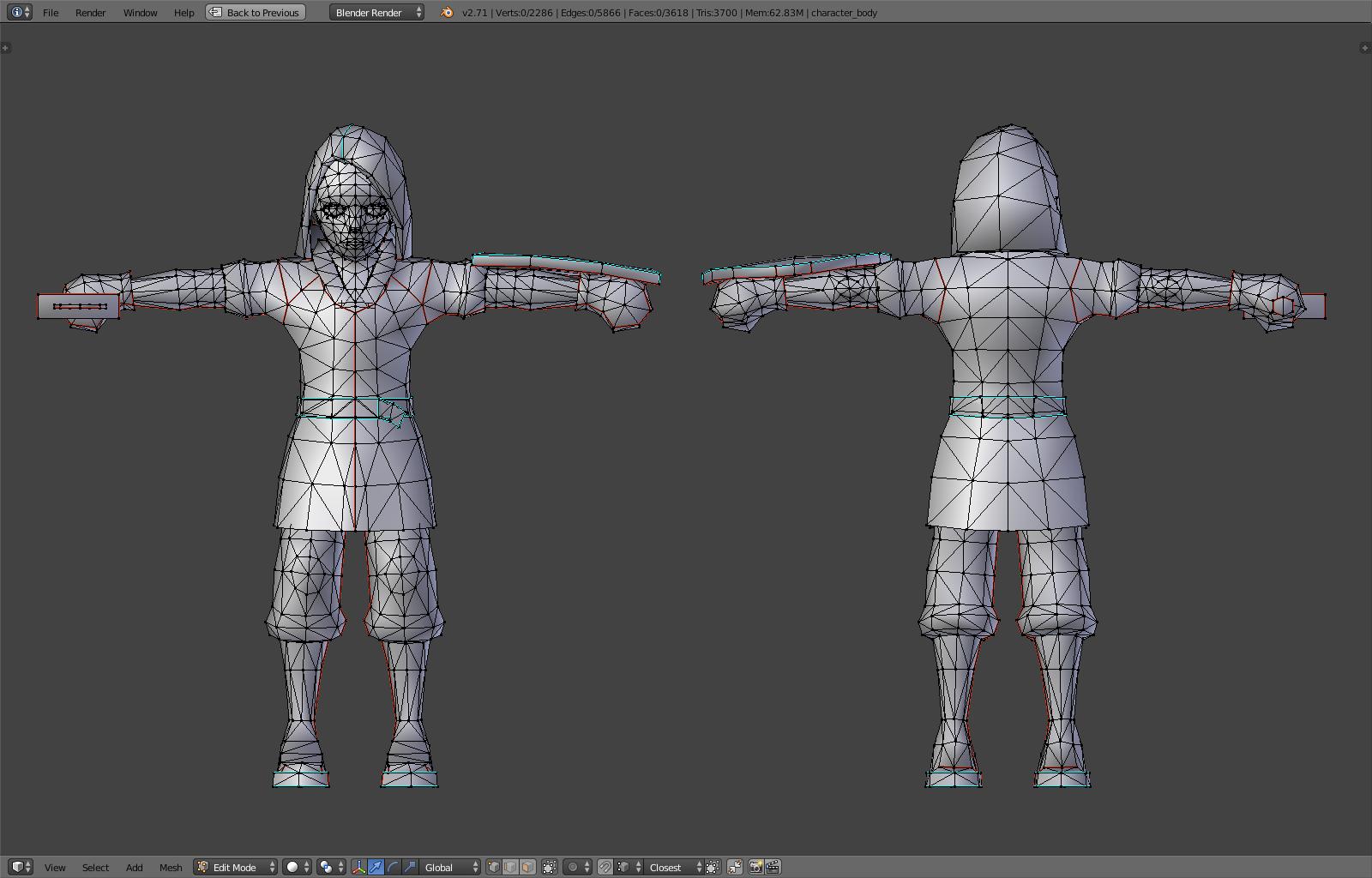
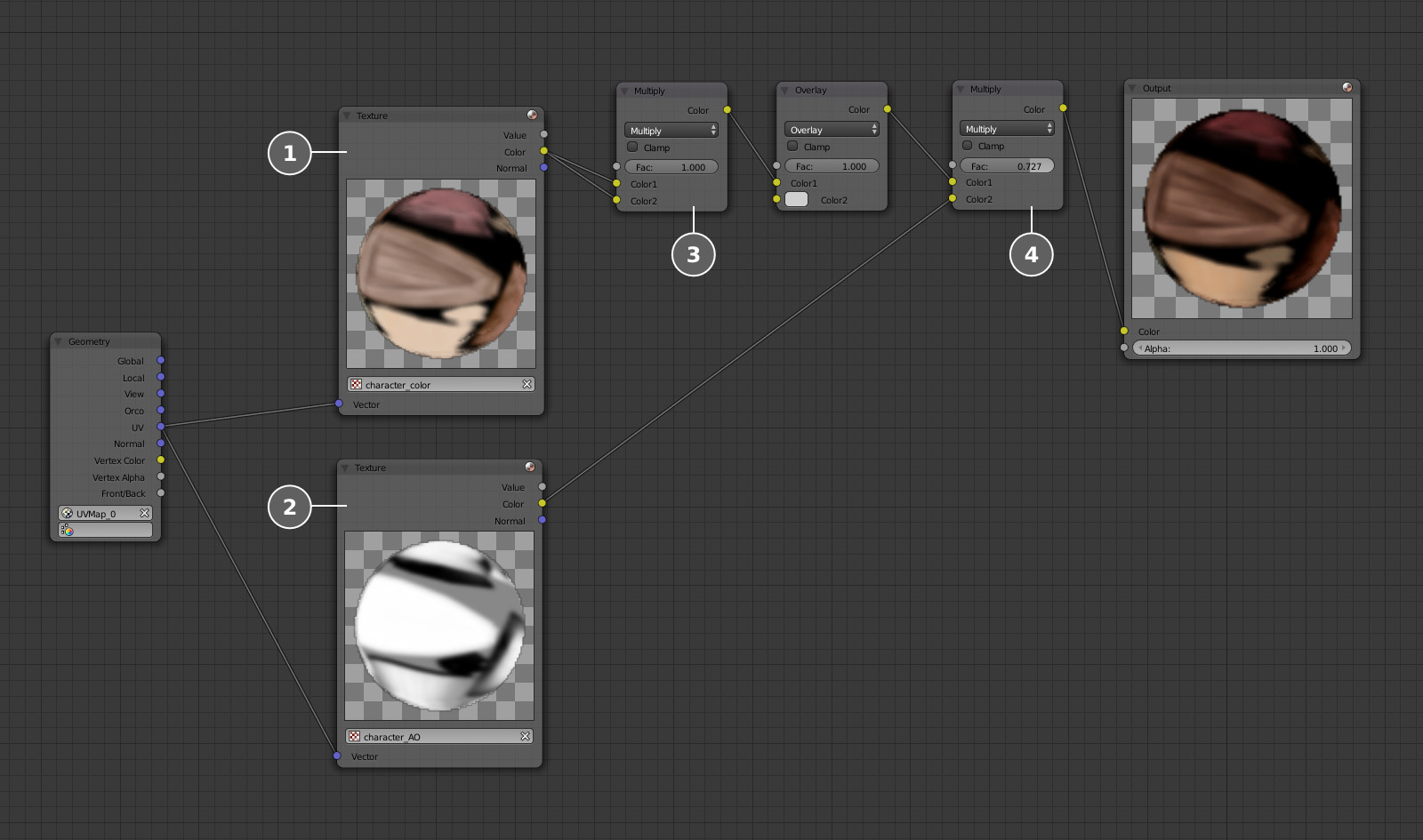
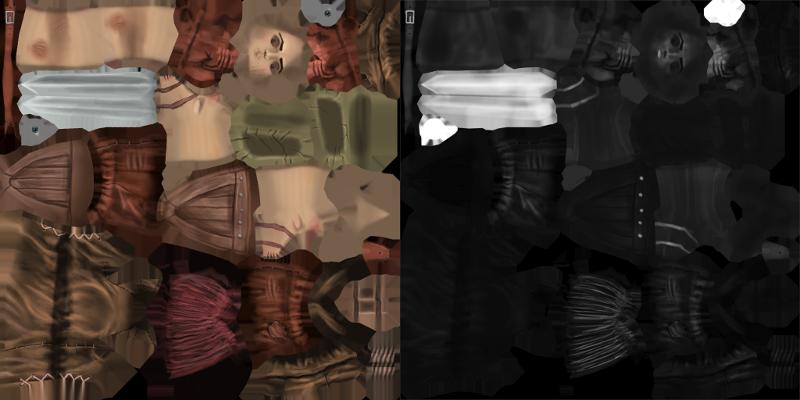
Character material
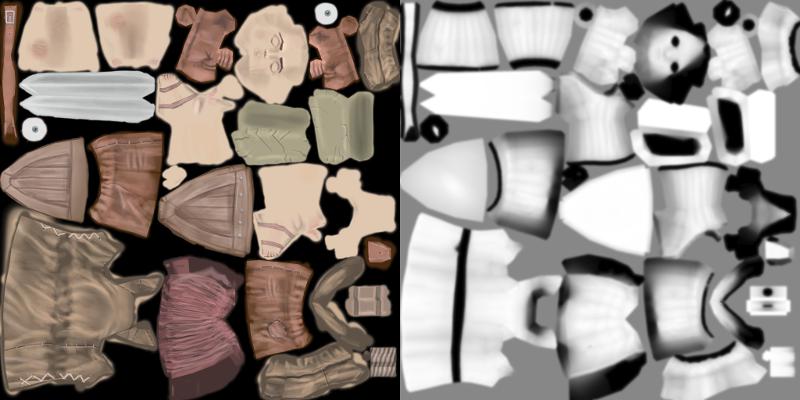
Let's add some nodes to the character material to create the highlighting effect when the character contacts the lava.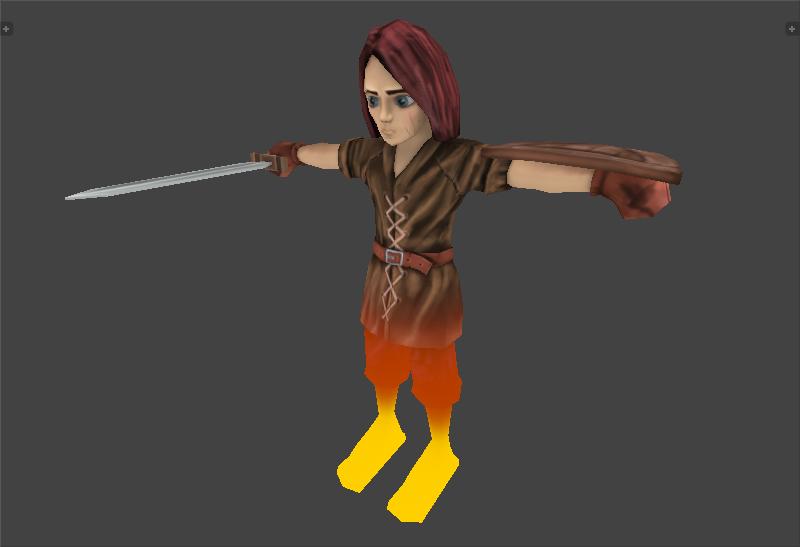
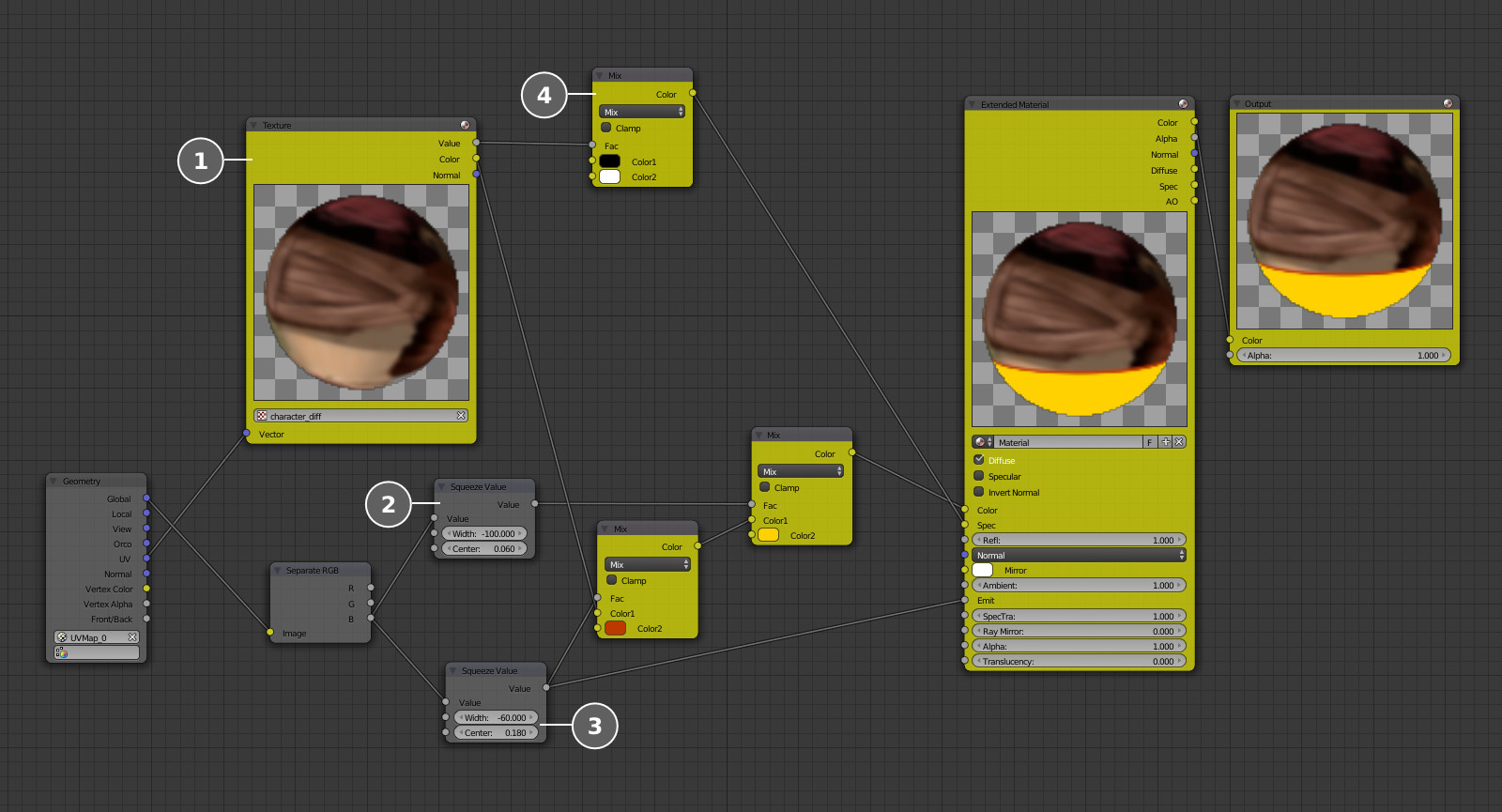
Character animation
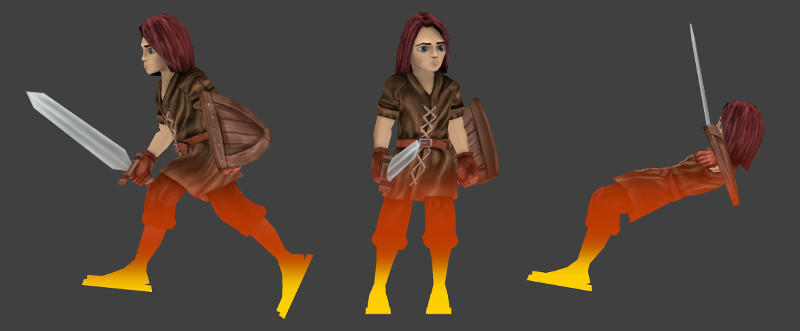
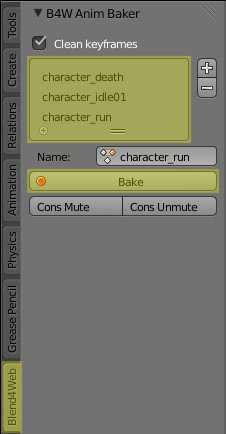
Because the character is seen mainly from afar and from behind, we created a simple armature with a limited number of inverse kinematics controlling bones.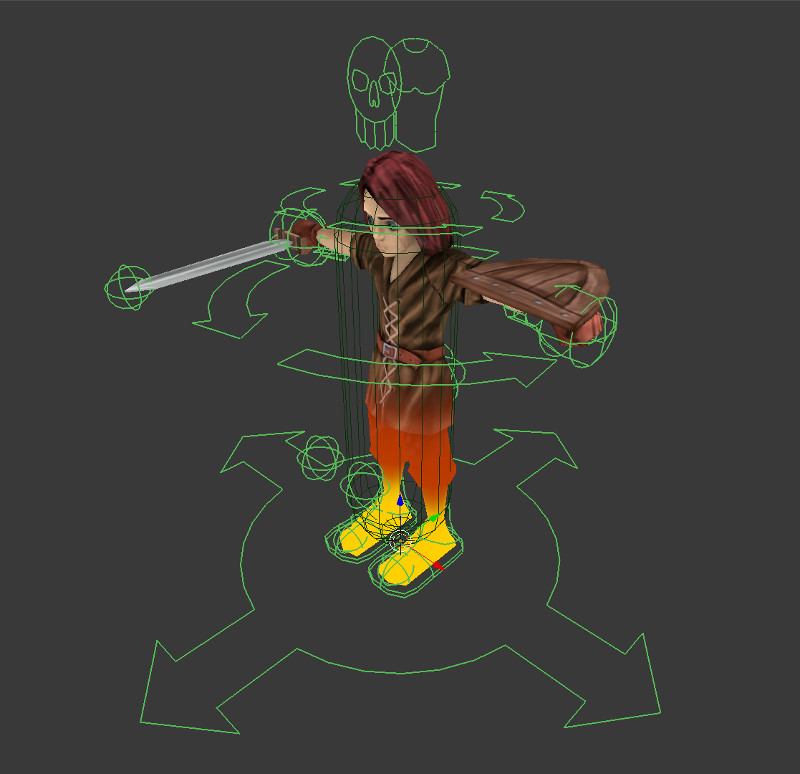
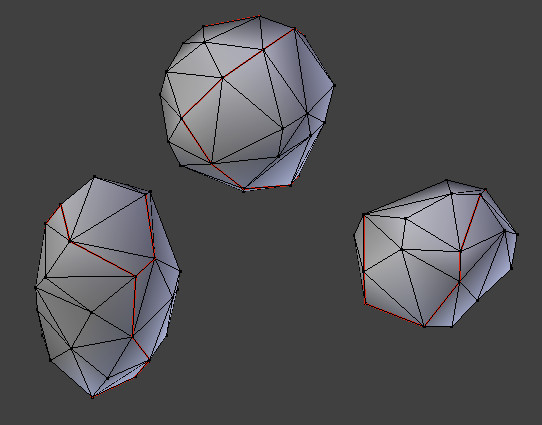
- the geometry and the material of the rock itself,
- the halo around the rock,
- the explosion particle system,
- the particle system for the smoke trail of the falling rock,
- and the marker under the rock.
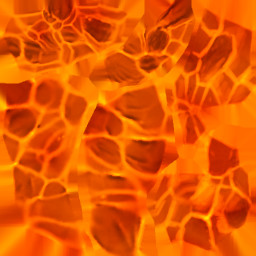
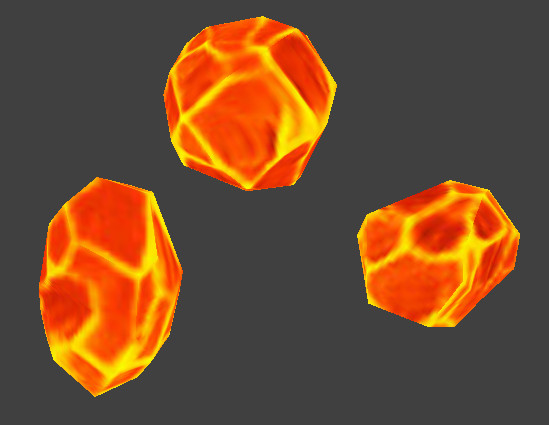
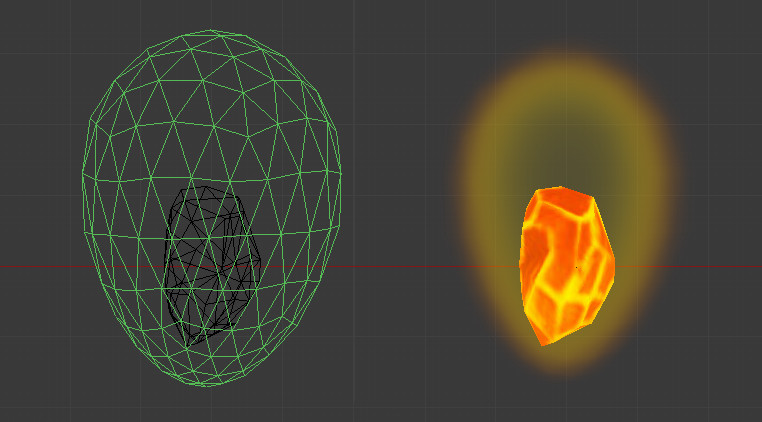
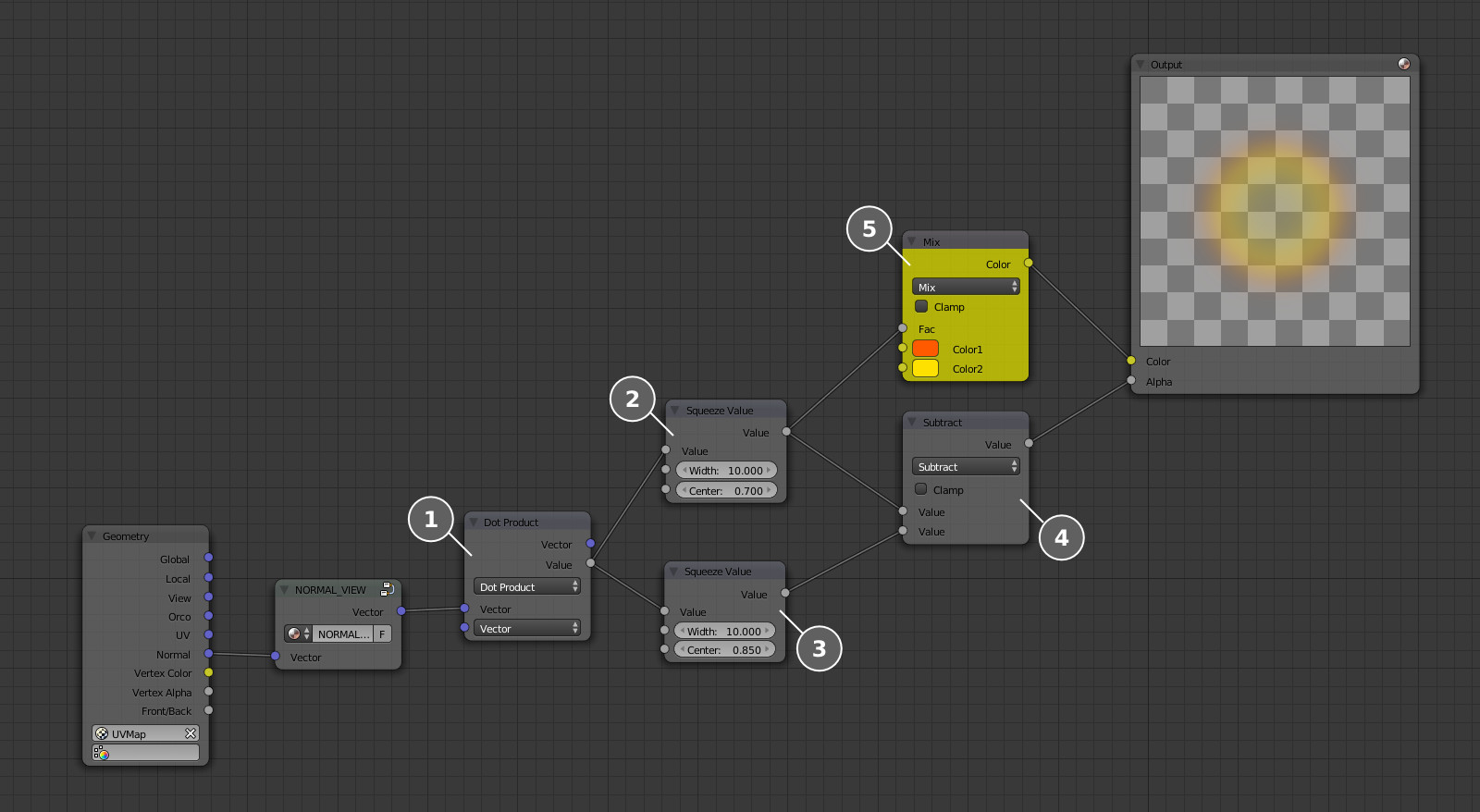
Explosions
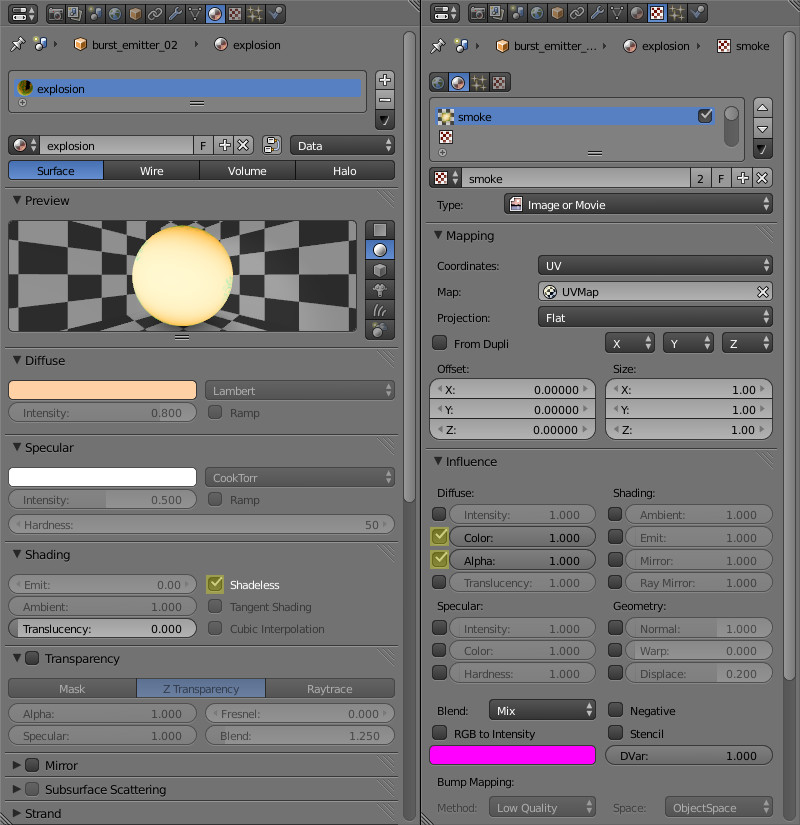
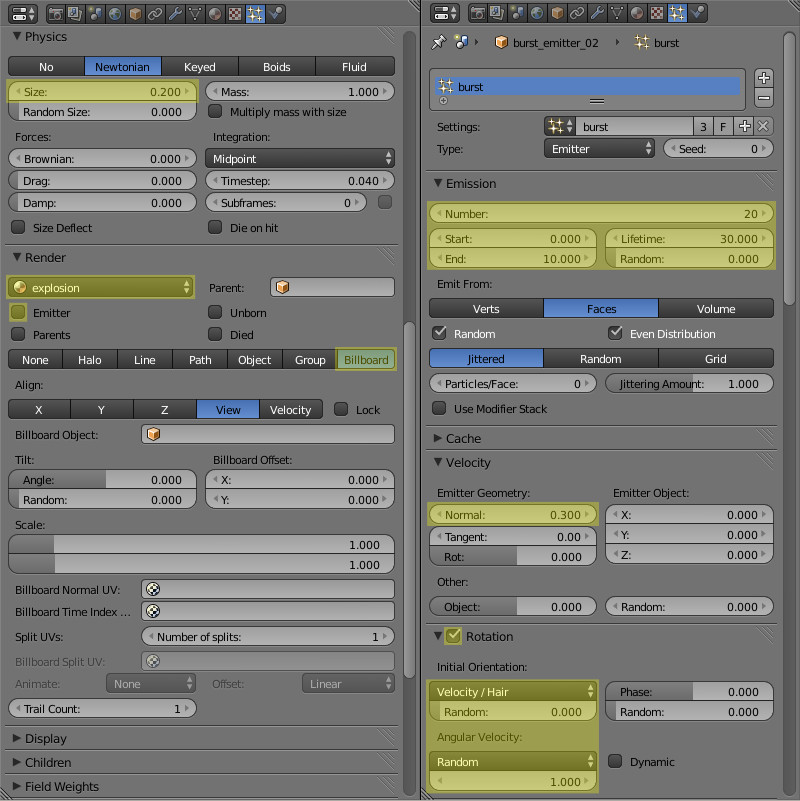
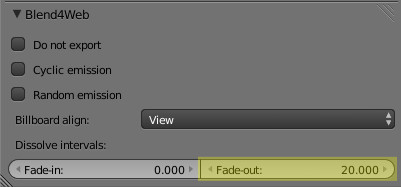
The red-hot rocks will explode upon contact with the rigid surface.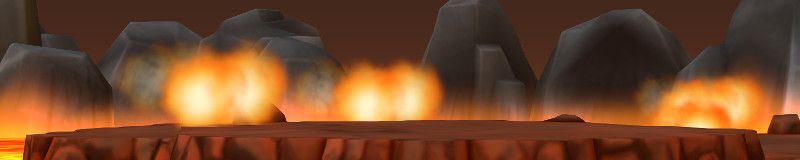

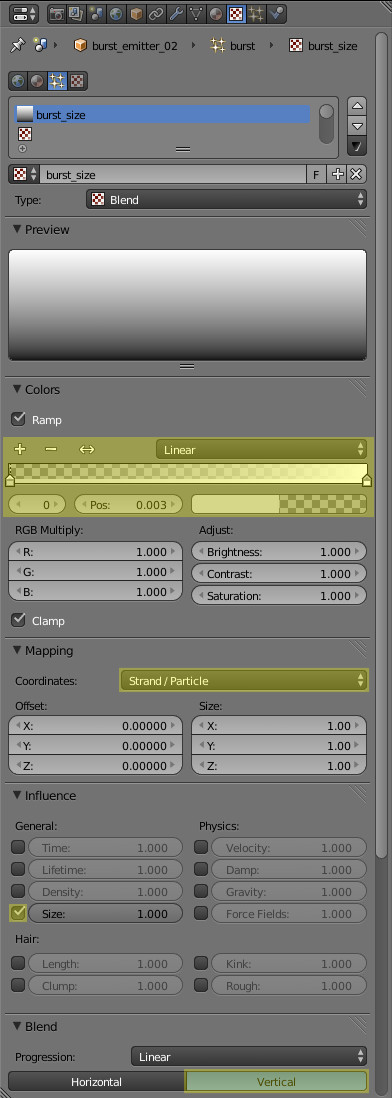
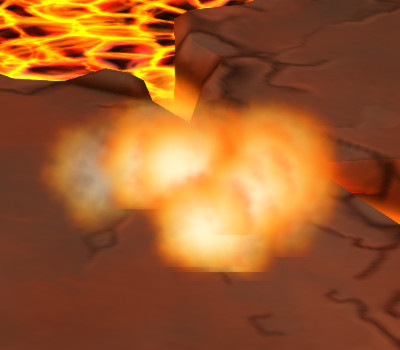
Smoke trail
When the rock is falling a smoke trail will follow it: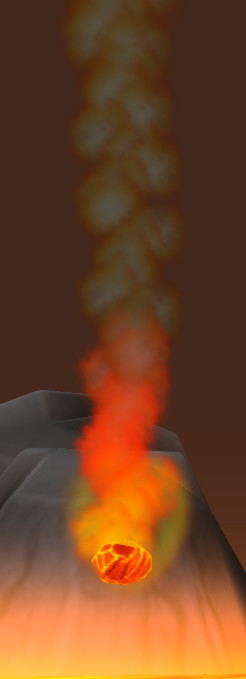
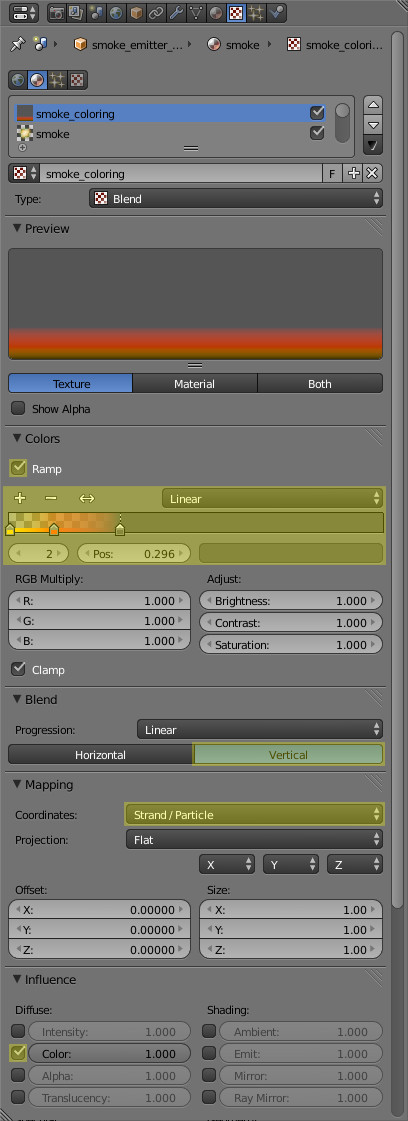
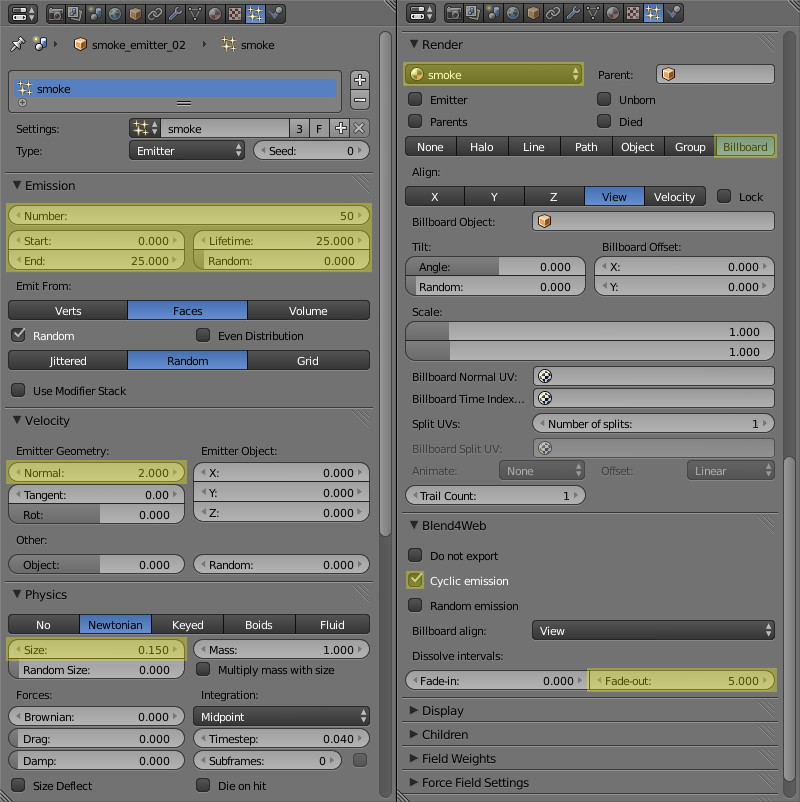
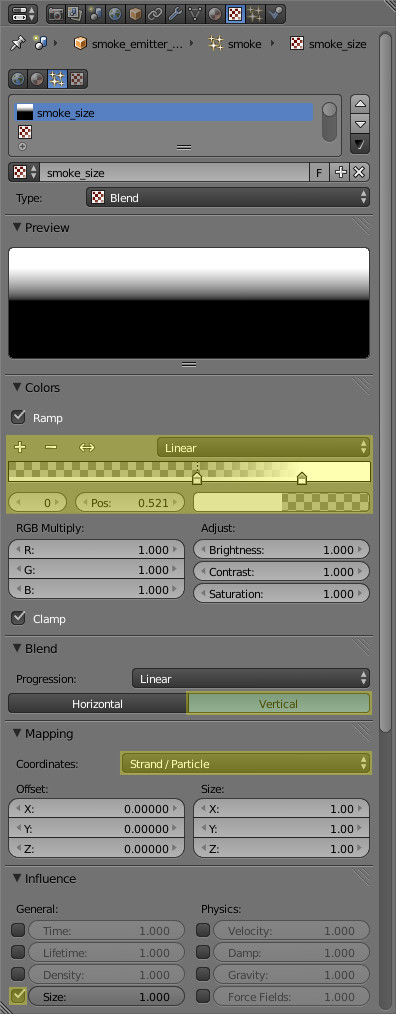
Marker under the rock
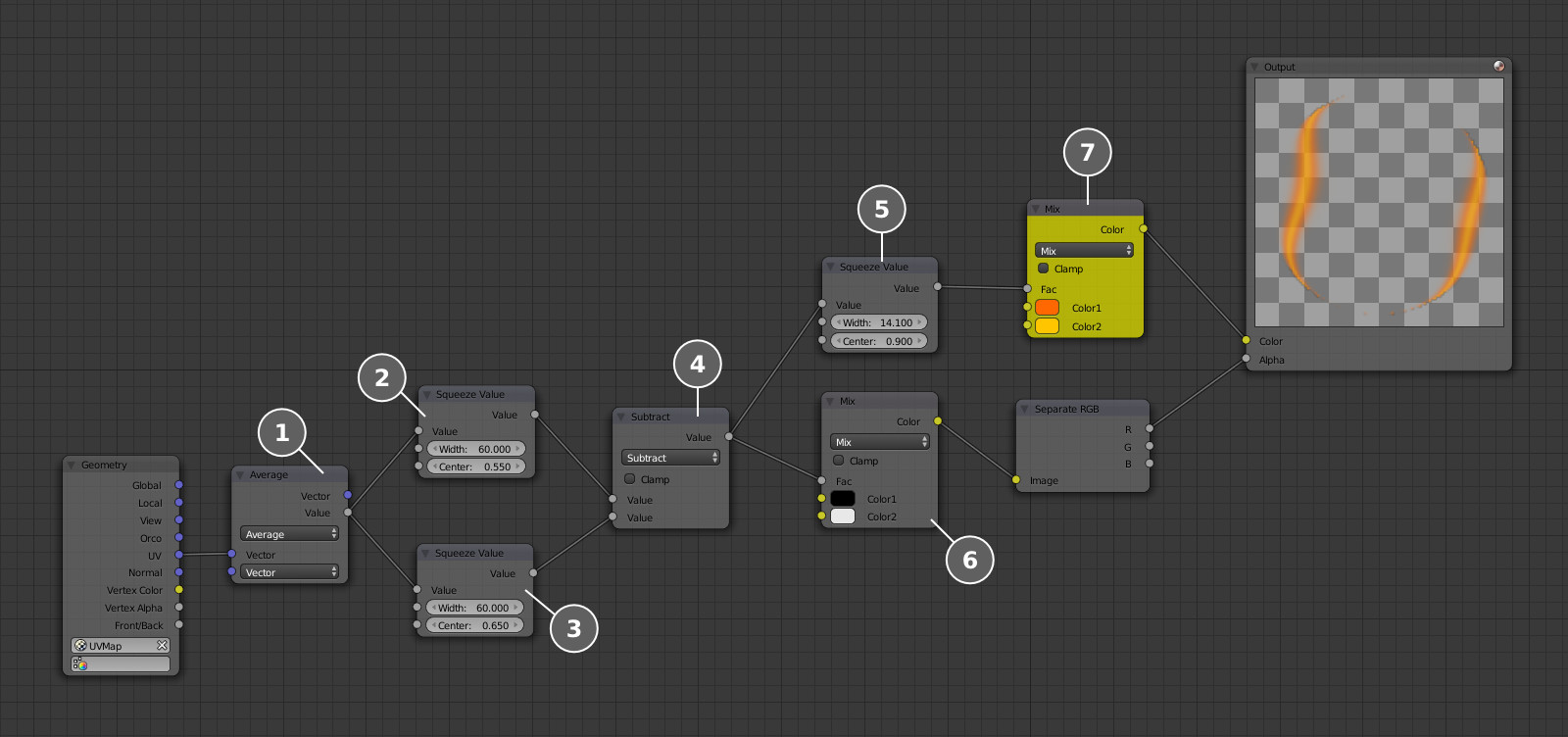
It remains only to add a minor detail - the marker indicating the spot to which the rock is falling, just to make the player's life easier. We need a simple unwrapped plane. Its material is fully procedural, no textures are used.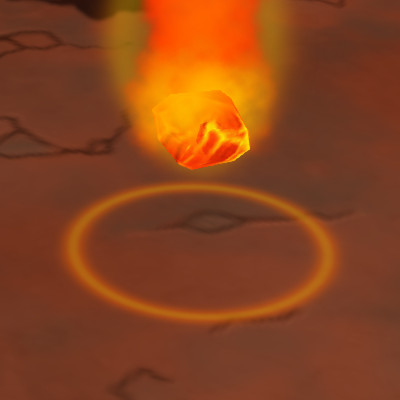
Conclusion
At this stage the gameplay content is ready. After merging it with the programming part described in the previous article of this series we may enjoy the rich world packed with adventure! Link to the standalone application The source files of the models are part of the free Blend4Web SDK distribution.Related Tutorials
Ai image to 3D Game ready model and animation in 3 minutes
No 3D modeling or animation skills? No problem! In this video, a professional 3D artist, demonstrates how to create a f…
 alex_cgw
Unreal Engine: Creation of Parallax Occlusion Mapping (POM) in details
Parallax Occlusion Mapping (POM) is a complex texture-based approach to add more details for meshes. With POM we get mo…
Generating a SoulerCoaster in Unity
Learn to create a basic SoulerCoaster effect in Unity.
Creating Promo Art: The Process | Hyperclass Ark
Our artist, Philip Bell, discussed the stages involved in creating promotional artwork for the project.
 hyperclassark
Lessons, Stages of drawing Digital illustration "Fairytale house in the forest"
At the beginning of this illustration, I did the rough sketch, then drawing the outline, then painting in color, applyi…
 Nadia_Meldova
Lessons, Stages of drawing "Magic book"
At the beginning of this illustration, I did the rough sketch, then drawing the outline, then painting in color, applyi…
Nadia_Meldova
Discussion
More from Mikhail Luzyanin
Making a Game with Blend4Web Part 2: Models for the Location
We continue working on a simple game. This time we'll discuss modeling and texturing models for the location. All is do…
Mikhail Luzyanin
Making a Game with Blend4Web Part 1: The Character
Today we're going to start creating a fully-functional game app with Blend4Web.
Evgeny Rodygin
Making a Game with Blend4Web Part 7: Enriching the Game World
In this article, we'll explain how to create environment FX and other details which make the game world more diverse an…
Mikhail Luzyanin
Discussion